How a PDF Size Reducer Works (and Which Setting Hits 100 KB, 200 KB or 500 KB)
The upload form says “file too large,” and your scanned document is sitting at 6 MB. A pdf size reducer fixes that in seconds, but these tools do not all work the same way. Some send your file to a server. Others do the job inside your browser. This guide explains what really happens to your PDF and how EZ Compress compares with typical online tools.
The Quick Answer
A pdf size reducer shrinks a file mostly by recompressing the images inside it, because images usually make up most of a PDF’s weight. It lowers image resolution, re-encodes pictures at a lower quality and sometimes removes unused data. Text and fonts stay nearly untouched, which is why the result is still readable.
What Happens Inside a PDF File Size Reducer
Three things take up space in a PDF: images, embedded fonts and structural data such as metadata. Scans and brochures are heavy because every page is a large picture, so a good pdf file size reducer goes after images first.
The usual steps are simple. The tool shrinks each picture to a smaller pixel size, then saves it again as a JPEG at lower quality. Adobe’s own guide to optimizing PDFs lists the same levers: downsampling images, stronger compression and discarding objects you do not need.
One thing most guides skip: a text only PDF has almost nothing to recompress. If your file is mostly typed text and barely shrinks, that is normal, not a broken tool.
How EZ Compress Reduces PDF Size Differently
The EZ Compress tool runs entirely in your browser, using the open source PDF.js and pdf-lib libraries. Your file is never uploaded, and you can confirm it by watching the network tab in your browser.
You get three levels. Light keeps images up to 2400 pixels for maximum detail. Balanced uses 1600 pixels and is the recommended middle ground. Strong drops to 1100 pixels for the smallest file.
Instead of picking a level, you can type a target size in KB, starting from 20 KB. The tool applies stronger settings until the file fits. Only as a last resort does it flatten pages into images, and it tells you when that happens. Text, fonts and links stay intact otherwise, so the PDF remains searchable.
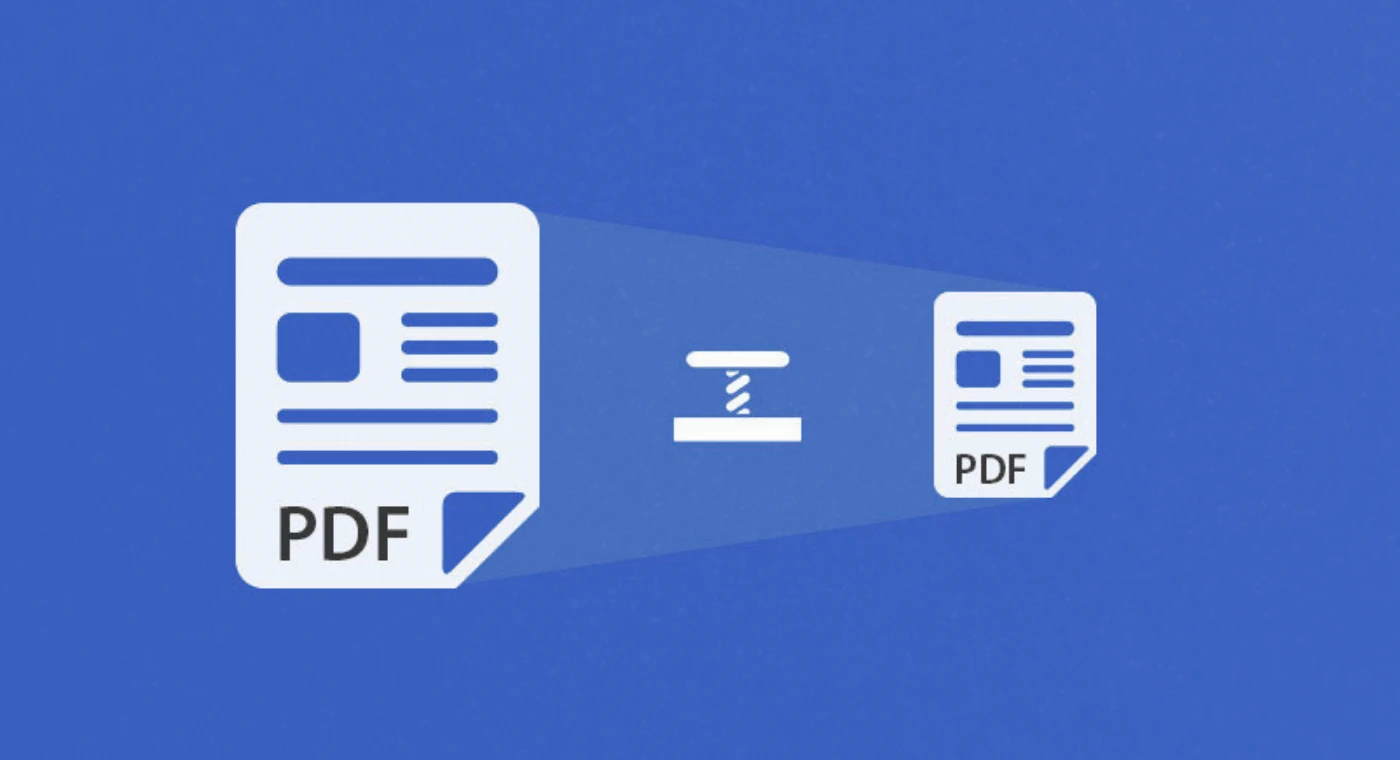
EZ Compress vs Typical Online PDF Size Reducers
| FeatureEZ CompressTypical upload based tools | ||
| Where your file is processed | In your browser | On a remote server |
| Exact size in KB | Yes, from 20 KB | Varies, often presets only |
| Privacy check | Visible in the network tab | Depends on the provider’s policy |
| Batch and ZIP download | Included | Varies by plan |
| Watermark | None | Varies |
| Daily use | Free daily runs | Varies |
Many people search “i love pdf size reducer” when they mean iLovePDF, a well known online service. It is a legitimate option, and we have not benchmarked it line by line. Judge any file size reducer pdf tool by the same four questions: where is my file processed, can I set an exact size, is there a watermark, and what are the usage limits?
Which Setting Hits 100 KB, 200 KB, 300 KB, 500 KB or 1 MB?
| TargetSuggested startWorks best for | ||
| 100 KB | Strong, or target 100 | 1 to 3 pages |
| 200 KB | Balanced, or target 200 | 2 to 5 page scans |
| 300 KB | Balanced | Short multi page forms |
| 500 KB | Light or Balanced | Documents with stamps or signatures |
| 1 MB | Type 1000 in the KB box | Long reports and email attachments |
Many job, exam and government portals set limits in this range, so always check yours before you start. Need a pdf size reducer 1 MB result? Type 1000 into the KB box. That is the beauty of a pdf size reducer in KB: any limit works.
PDF Size Reducer 200 KB, 100 KB and 500 KB: Real Examples
Here is a simple way to think about it. Divide your target by the page count. A pdf size reducer 200 KB goal on a four page scan means about 50 KB per page, which Balanced usually manages. EZ Compress says scanned files often shrink 60 to 90 percent on Balanced.
A pdf size reducer 100 KB job, or a pdf size reducer below 100kb target, is much tighter. A five page colour scan may force the flattening fallback. Trim blank pages or switch to grayscale first. The grayscale option removes colour data and makes images roughly a third smaller.
For a pdf size reducer to 500kb target, relax. A pdf size reducer 500kb job is forgiving, and Light is often enough and keeps stamps, small print and signatures crisp. If you need pdf size reducer to 200kb or even pdf size reducer 300kb, start with Balanced and let the target box do the fine tuning.
How to Use the Free PDF Size Reducer Online
- Open the tool and drop in one or more PDFs.
- Pick Light, Balanced or Strong, or type your limit in KB.
- Download each file, or take them all as one ZIP.
It works on Windows, Mac, Linux, Android, iPhone and iPad in current Chrome, Edge, Safari or Firefox, so there is nothing to install. One catch: password protected PDFs must be unlocked first.
3 Tips That Save Time
Tip 1: Cut pages before you compress. Deleting blank or duplicate pages shrinks a file more than any quality setting.
Tip 2: Scan in grayscale. For black text on white paper, colour only adds weight.
Tip 3: Check before you send. Zoom in on numbers, dates and signatures after compressing. If anything looks soft, rerun on Light and raise your target slightly.
Final Thoughts
A good size reducer pdf tool should explain what it does, let you choose an exact size and keep your file private. Try EZ Compress, a pdf size reducer free to use, and see how small your file can get.
FAQs
Does compressing lower quality?
Slightly, because images are re-encoded. Light keeps the most detail and Strong gives the smallest file.
Why did my file barely shrink?
It is probably text heavy, or its images already use formats such as CMYK or JPEG 2000, which EZ Compress leaves unchanged.
Is there a file size limit?
The tool page does not state one, so test your largest file first.
Every compressor runs in your browser, so your file stays on your device.
Open the compressors