

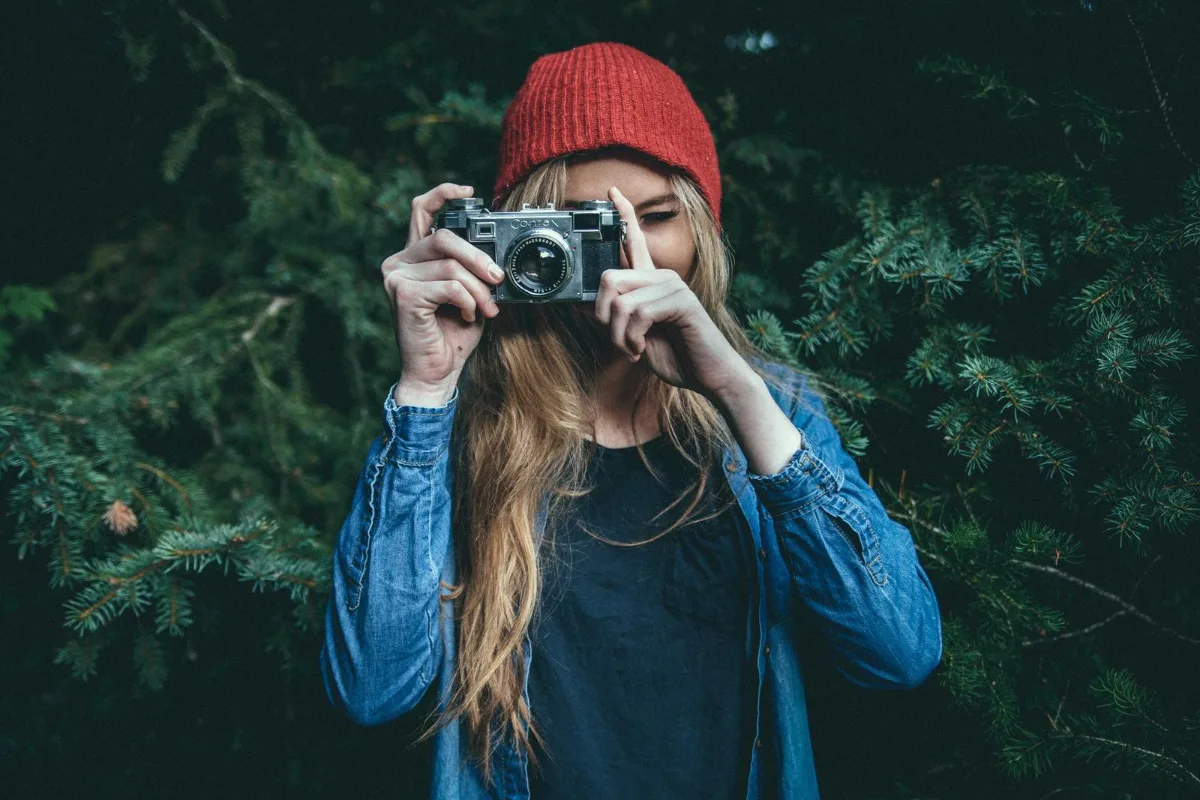
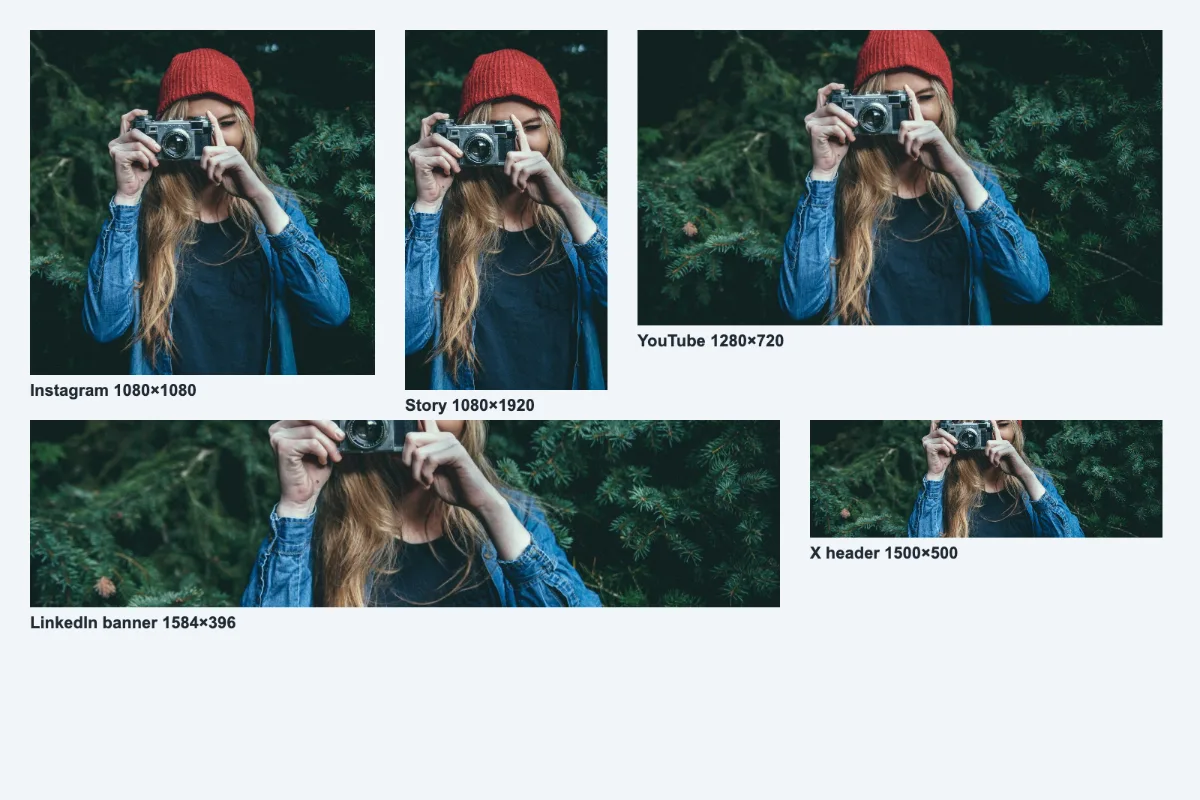
Drop in one hero image and get every size you need for Instagram, Facebook, LinkedIn, X, YouTube and Pinterest in a single ZIP. Each output is centre-cropped to the platform's exact ratio; sizes are checked against each platform's current guidelines.
What is Social Media Image Resizer?
This instagram resize tool takes one image and turns it into every size you need for Instagram, Facebook, LinkedIn, X, YouTube, Pinterest and TikTok in a single click. You get a ZIP of correctly cropped files named by platform and size, so there is no guessing which version goes where.
Each network uses different shapes: square and portrait posts, tall stories, wide banners and covers. Instead of resizing the same picture twelve times, you tick the formats you want and download them together. A preview card shows each crop before you download, so there are no surprises.
How to use the Social Media Image Resizer
- Drop one image.
- Tick the platforms and sizes you want.
- Download a ZIP with every version named by platform.
How Social Media Image Resizer works
Every social platform shows images in fixed frames defined by an aspect ratio, the relationship between width and height. An Instagram post is 1:1, a portrait post is 4:5, stories and TikTok are 9:16, link previews are close to 1.91:1 and a LinkedIn banner is a very wide 4:1. If your upload does not match, the platform crops it for you, often cutting off heads or text.
This tool crops each version from the centre to match the frame exactly, then resizes it to the recommended pixel size, such as 1080×1350 for an Instagram portrait or 1584×396 for a LinkedIn banner. Each file is saved as a JPG at 90% quality, which keeps uploads small and clean.
Every crop and the ZIP are created in your browser, so the original image never leaves your device.
Key features of Social Media Image Resizer
Twelve sizes, zero cost
Export up to twelve platform sizes from one image for free, with no watermark. Download them all in one ZIP; the whole set counts as one run.
Exact pixels for every platform
Every file matches its target exactly: 1080×1080, 1080×1350, 1080×1920, 1200×630, 820×312, 1200×627, 1584×396, 1600×900, 1500×500, 1280×720 and 1000×1500 pixels. File names include the size for easy checking. Nothing is stretched or squashed.
Whole set in seconds
All twelve versions are cropped, encoded and zipped on your device, usually in a few seconds, even on a phone. There is no server transfer to wait for and no processing queue.
Preview on any device
A preview card shows how each crop will look before you download, on desktop or mobile. It works in Chrome, Edge, Safari and Firefox, and you can install the site as an app from your browser menu.
Checkbox list, keyboard ready
Each size is a labelled checkbox you can toggle with Tab and Space, and the ZIP button reports how many files it will create. Screen readers get progress updates, and dark mode and zoom are supported.
Campaign images stay local
Launch graphics and embargoed announcements never leave your device. Cropping and zipping happen in your browser tab, so nothing is stored on a server and you can verify it in the network tab.
What makes EZ Compress's Social Media Image Resizer different
One image in, a full set out
Typical resizers handle one platform at a time. Here you tick Instagram post, portrait and story, Facebook post and cover, LinkedIn post and banner, X post and header, YouTube thumbnail, Pinterest pin and TikTok, then get them together.
Files named for the platform
The ZIP contains files such as instagram-portrait-1080x1350.jpg and linkedin-banner-1584x396.jpg, so whoever is posting picks the right file without opening each one. It makes handing a set to a colleague or client much simpler.
See every crop first
Live preview cards show each frame before export, so you can spot a crop that cuts off a face and fix the source image with Crop Image before downloading the full set.
Why use Social Media Image Resizer?
Posting the same announcement across five networks usually means five trips through an editor. A single instagram resize run produces your Instagram, Facebook and LinkedIn versions at once, plus X, Pinterest and TikTok, and every version uses the size that platform recommends rather than letting its own cropping decide.
It also keeps a brand consistent. When every network gets a deliberately cropped image at the right resolution, logos are not chopped in half and text is not blurred by an automatic resize. Small teams without a designer can produce a full set of correctly sized visuals for each campaign in under a minute.
Who can use Social Media Image Resizer?
Social media managers
Produce every format for a product launch or event in one export, and hand the ZIP to colleagues with each file already named by platform.
Small business owners
Turn one shop photo into an Instagram post, Facebook cover and LinkedIn banner in a single step, without paying for a design subscription.
Event organisers
Create matching headers, posts and stories for a conference or concert from a single poster image, so every channel shows the same artwork.
Charities and community groups
Prepare appeal graphics for Facebook, X and Instagram stories in minutes, even with volunteers who have no design experience or paid software.
Content creators
Repurpose one hero image as a YouTube thumbnail, Pinterest pin and TikTok cover, keeping your look consistent across every platform you post on.