

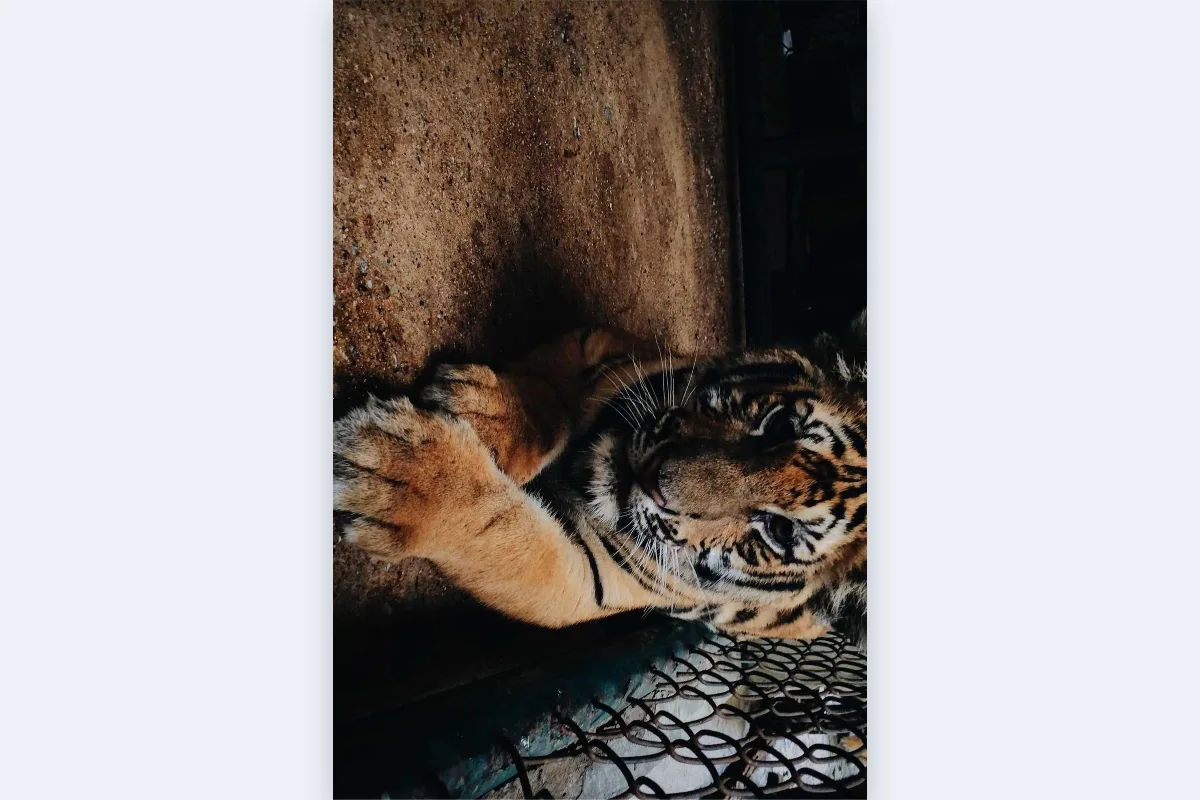
Fix photos that came out sideways, or rotate by a precise angle to straighten a scan. Custom angles expand the canvas so nothing is clipped; choose a background colour or keep it transparent as PNG.
What is Rotate Image?
Use this rotate image tool to turn a picture 90 degrees left or right, 180 degrees, or any custom angle from −180 to 180. It fixes sideways and upside-down photos in a click and straightens slightly tilted scans or horizons with one-degree precision, for a single file or a whole batch.
It solves a common annoyance: a photo that looks fine on your phone but appears sideways once uploaded to a website or attached to a document. Rotating here saves the correct orientation into the pixels themselves, so it displays correctly everywhere.
How to rotate image
- Drop images.
- Pick 90°, 180° or a custom angle.
- Download.
How Rotate Image works
Phones rarely rotate the actual pixels when you hold them sideways. They save the image as the sensor captured it and add an EXIF orientation tag telling viewers how to turn it. Some websites and older programs ignore that tag, which is why photos appear sideways after upload. This tool reads the tag when it opens the photo, then writes a new file whose pixels are already the right way up.
Rotations by 90, 180 or 270 degrees simply rearrange the pixel grid, so no detail is lost. Any other angle needs the image to be resampled onto a tilted grid, and the canvas grows so the corners are not clipped. The new triangles at the edges are filled with the background colour you choose.
All rotation is done in your browser using its built-in graphics engine.
Key features of Rotate Image
Free batch rotation
Rotate a batch of images at no cost, with no watermark. Turn a whole folder of sideways phone photos the right way up and download them together as a ZIP.
Precise to one degree
Pick quick 90° or 180° turns, or use the custom slider from −180° to 180° in single-degree steps to level a horizon or straighten a slightly crooked scan or a photographed page.
On your device, no wait
Each image is rotated and saved on your own device in about a second. There is no server queue, so even a large batch of photos finishes quickly on a modern phone or laptop.
Phone, tablet or computer
Fix sideways photos directly on iPhone or Android in Safari or Chrome, or on Windows, macOS and Linux. Nothing needs installing, and the layout adapts to small screens. You can also install the site as an app from your browser menu.
Keyboard-operable rotation options
The rotation choices, angle slider and background colour are labelled controls you can operate with Tab and the arrow keys. Screen readers announce progress, and dark mode and zoom are supported.
Private by design
Photos are rotated inside your browser tab and never sent to a server, so family pictures and scanned documents stay on your device. The network tab will confirm that no image is sent.
What makes EZ Compress's Rotate Image different
Fixes the EXIF sideways problem
The rotation is baked into the pixels, not just stored as a tag, so the image displays correctly on every website, document editor and older viewer that ignores orientation data.
No clipped corners
With custom angles, many tools rotate inside the original frame and cut off the corners. Here the canvas expands so the whole picture is kept, edge to edge, at every angle.
Choose the fill colour
Set the colour that fills the new corner areas on angled rotations, such as white for documents or black for photos, before you download. Crop them away later if you prefer.
Original format kept
JPGs stay JPG and PNGs stay PNG. Right-angle turns of PNGs are pixel-exact, and JPGs are re-saved at a high 92% quality, so the result drops straight back into place.
Why use Rotate Image?
Sideways photos are one of the most common upload problems. When you rotate image files here before attaching them to a job application, a marketplace listing or a support ticket, you know the person on the other end sees it the right way up.
A custom angle is useful for scanned receipts, photographed documents and landscape shots with a tilted horizon. A few degrees of correction makes text easier to read and photos look more professional, and you can rotate an image by 90 degrees or straighten it without opening a photo editor.
Who can use Rotate Image?
Job applicants
Make sure ID photos and certificate scans taken on a phone upload the right way up to application portals that ignore EXIF orientation.
Accountants and bookkeepers
Straighten photographed receipts and invoices a few degrees so they are easier to read and file in expense and accounting systems each month.
Online sellers
Fix product photos that appear sideways in a marketplace listing, rotating the whole batch at once before uploading them again to the shop.
Teachers
Rotate photos of student work and whiteboards taken at an angle, so they display correctly in class slides and learning platforms.
Photographers
Level tilted horizons in landscape shots with one-degree precision, then crop away the filled corners with Crop Image for a clean frame.
Settings explained
| Setting | What it does |
|---|---|
| Rotate | Rotation to apply. |
| Angle (degrees) | Exact rotation in degrees; the canvas grows so nothing is clipped. |
| Background for transparency | Colour used where the source had transparency, since this output format cannot store it. |