

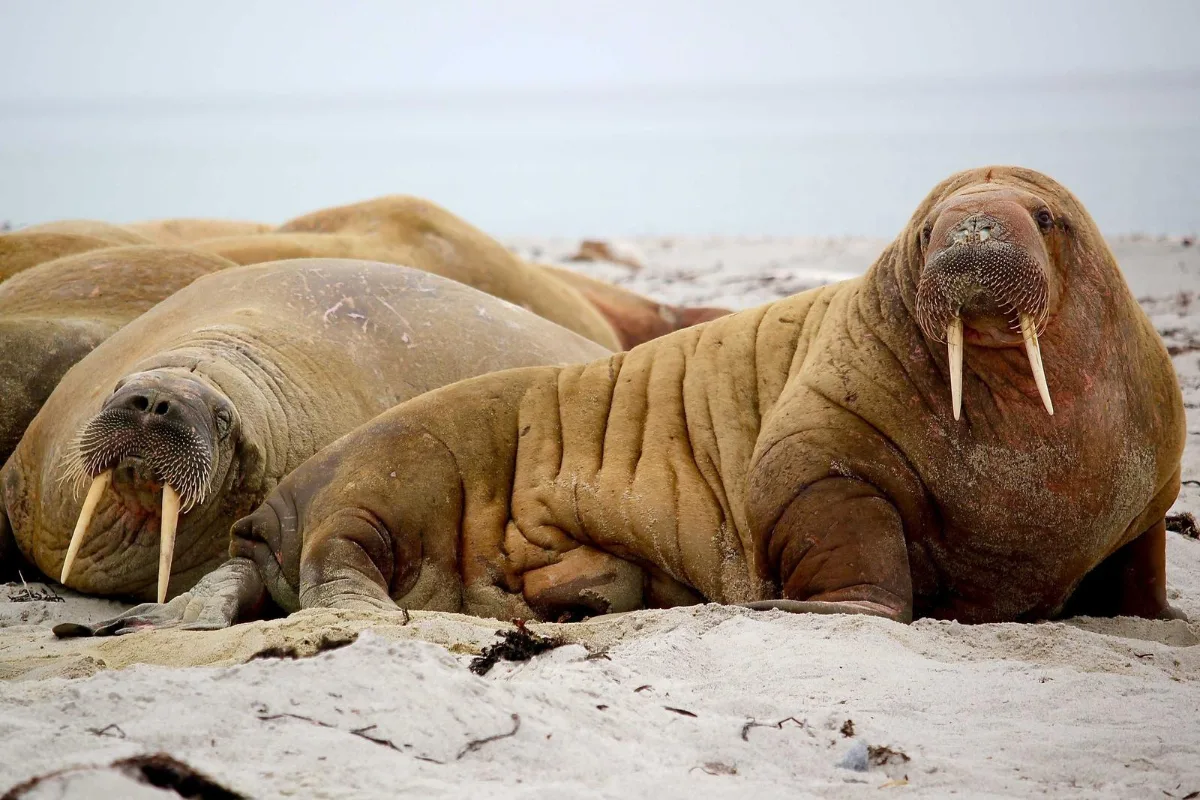
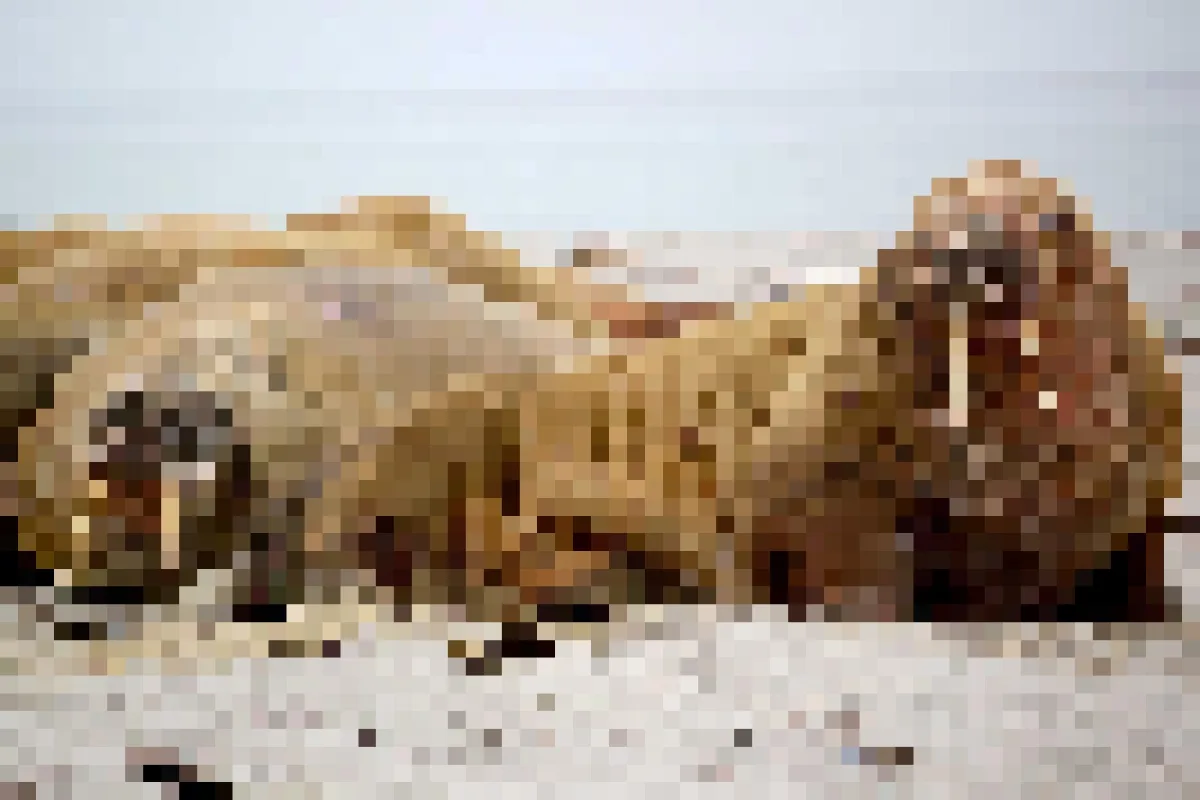
Turn a photo into a mosaic of blocks, for a retro 8-bit look or to make it unrecognisable. For hiding only part of an image, use Blur Face.
What is Pixelate Image?
Our pixelate image tool turns a photo into a grid of solid-colour squares, from a subtle mosaic with 2 px blocks to chunky 100 px tiles that leave only rough shapes behind. You pick the block size and every image in your batch gets the same look.
People use it for two very different reasons. One is style: a retro 8-bit or mosaic effect for game art, posters and profile pictures. The other is censoring: making a whole image unrecognisable before you share it, for example a spoiler, a test screenshot or a photo that should only hint at what it shows.
How to pixelate image
- Drop images.
- Choose the block size.
- Download.
How Pixelate Image works
Pixelation is a two-step trick. First the image is shrunk so that each block of pixels becomes a single pixel, which averages the colours inside that block. Then it is enlarged back to its original size using nearest-neighbour scaling, which copies each pixel into a hard-edged square instead of smoothing between them.
The result keeps the overall colours and layout of the photo but throws away everything finer than one block. That is why pixelation is more reliable than a light blur for hiding things: the detail inside each square is not just softened, it is replaced by one average colour.
The block size is measured in pixels of the original image, so the same setting looks coarser on a small picture than on a large one. All of this happens on a canvas in your browser, at full resolution, and the picture never leaves your device.
Key features of Pixelate Image
Free pixelate image batches
Pixelate one picture or a whole folder at no cost, with no watermark on the result. Download files individually or as a single ZIP.
Blocks from 2 to 100 px
Choose the exact block size in 1 px steps. Hard square edges are kept with nearest-neighbour scaling, so the blocks stay crisp instead of blurring together, and the output keeps the original pixel dimensions.
Instant 8-bit look
Pixelation is one of the lightest image operations there is, and with no server or queue involved most pictures are done in well under a second. Large batches finish about as fast as your device can read the files.
Pixelate on any screen
Works in current Chrome, Edge, Safari and Firefox on Windows, macOS, Linux, iPhone, iPad and Android. There is nothing to install, and you can add the site to your home screen from the browser menu.
Arrow-key block control
The block size slider responds to arrow keys, buttons and fields are labelled, Enter runs the job and progress is read out by screen readers. Dark mode is available and there are no time limits.
Pixelated on your device
Your images are processed in the browser tab and are never sent to our servers, which you can confirm in your browser's network tab. Once loaded, the page keeps working offline, so you can pixelate an image on a train or plane.
What makes EZ Compress's Pixelate Image different
Sharp, true blocks
Some tools blur the edges of each square when scaling back up, which gives a smeared look. This tool uses nearest-neighbour scaling, so every block has clean, hard edges like real pixel art.
Batch with matching settings
Pixelate a whole set of images at the same block size in one go, ideal for a consistent series of game sprites, thumbnails or spoiler images, and download them together as a ZIP.
Stays on your device
No file leaves your device at any point. That makes it safe for pixelating pictures you would not want to hand to an unknown website.
Why use Pixelate Image?
A mosaic or 8-bit effect is an easy way to give a photo a playful, retro feel for a game jam, a poster or a profile picture. Small blocks of 6–12 px keep the subject recognisable, while 30 px and above turn it into an abstract pattern of colour.
It is also handy to pixelate image previews when you want to show that a picture exists without showing what is in it: spoilers, test screenshots or a teaser for a product reveal. If you only need to censor one part of a photo, such as a face, use Blur Face to pixelate a box instead.
Who can use Pixelate Image?
Indie game developers
Turn reference photos into chunky pixel-art backgrounds or textures, then batch-process a set at the same block size so they match in game.
Streamers and YouTubers
Create mosaic thumbnails or teaser images that hint at a reveal without spoiling it, and keep the same block size across a series.
Art teachers
Show students how resolution and colour blocks work by pixelating the same photo at several sizes and comparing the results side by side.
Forum moderators
Pixelate a reported image before posting it in a staff discussion, so colleagues can see what it was without viewing the full content again.
Settings explained
| Setting | What it does |
|---|---|
| Block size | Size of each mosaic block in pixels. |