

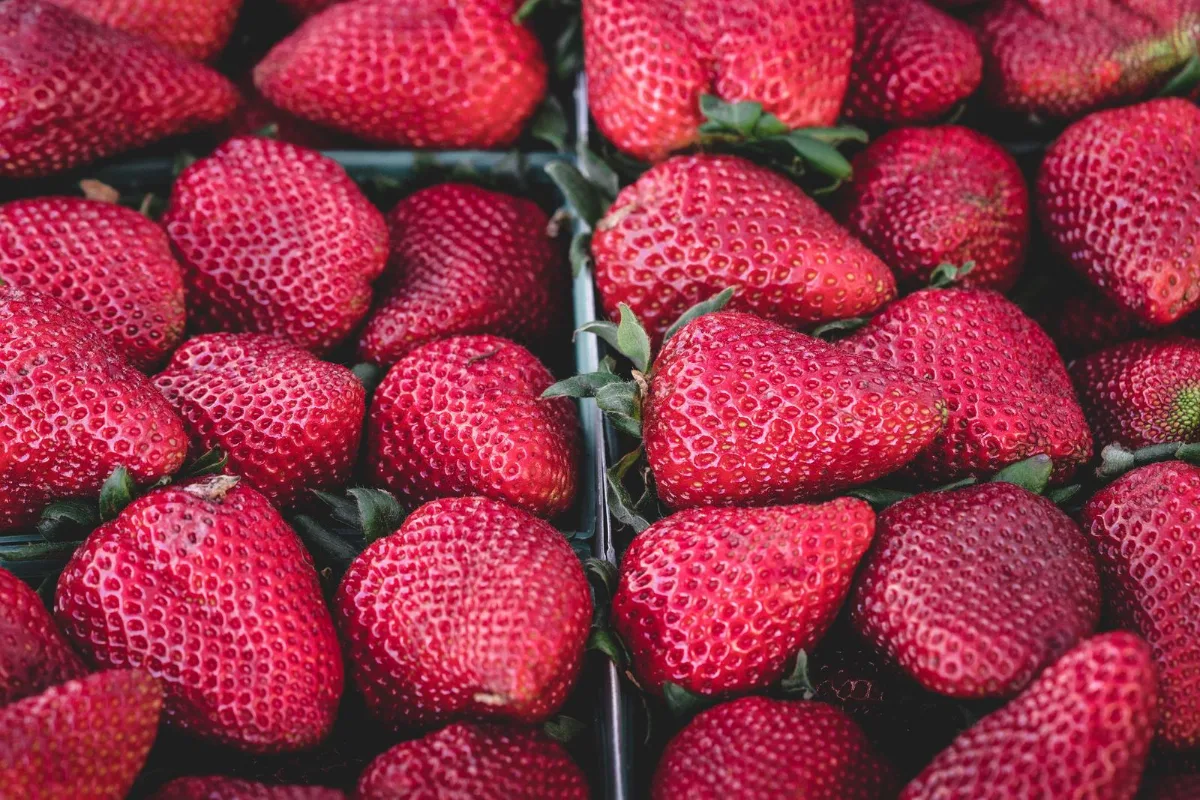
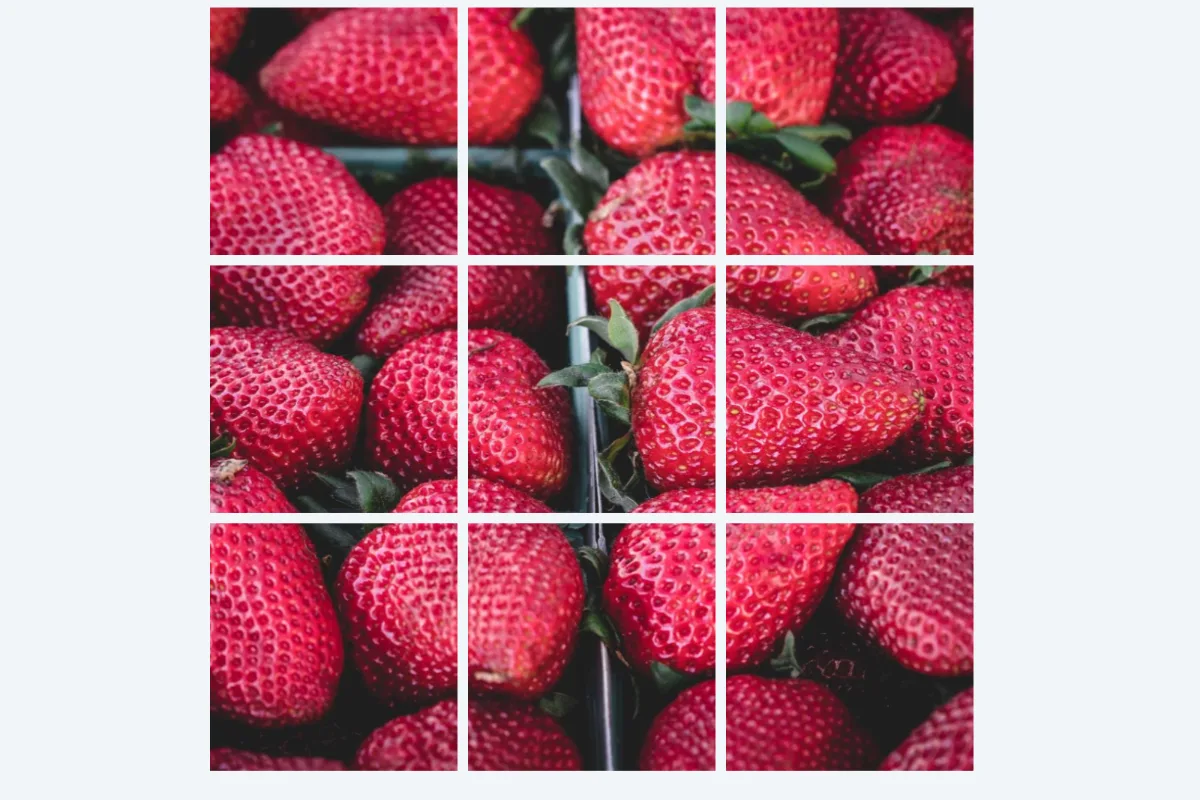
Cut one image into equal tiles for an Instagram grid, a multi-page banner or a puzzle. Choose rows and columns, preview the cuts, and download a ZIP with tiles numbered in posting order.
What is Image Splitter?
An image splitter cuts one picture into a grid of equal tiles. Choose up to 10 rows and 10 columns, see the cut lines drawn on a preview, and download every tile in a single ZIP, numbered in order. The most popular use is a 3×3 Instagram grid that forms one big image on your profile.
It is also handy for splitting a wide panorama into swipeable carousel slides, dividing a large poster into printable sections, or turning a picture into puzzle pieces for a class activity. Every tile keeps the original's full resolution.
How to use the Image Splitter
- Drop an image.
- Set rows and columns (3×3 for Instagram).
- Download the ZIP of tiles.
How Image Splitter works
Splitting divides the image's width by the number of columns and its height by the number of rows. Each tile is a plain crop of the original pixels, with no resizing, so detail is preserved and the tiles line up perfectly when placed side by side again. The tool shows the exact tile size in pixels before you download.
Tile shape follows the original's shape. A 3000×3000 image split 3×3 gives square 1000×1000 tiles, but a 4000×3000 photo split 3×3 gives tiles 1333 pixels wide and 1000 tall. For square Instagram tiles, crop to a square, or to a 3:1 strip for a single row, before splitting.
Tiles are saved as JPG at 92% quality and packed into a ZIP, all inside your browser.
Key features of Image Splitter
Free grids, no watermark
Split images into as many tiles as you need, up to 100 per image, without paying. No tile carries a logo or watermark.
Equal tiles, exact pixels
Every tile is the same size, calculated from the original's dimensions, and the size is shown before you download. The tiles reassemble into the original image without visible seams or shifts.
Whole ZIP in seconds
Cutting and zipping happen on your device, so even a 10×10 grid of 100 tiles is ready in a few seconds. A large original never has to be sent to a server first.
Split on any device
Use the splitter in Chrome, Edge, Safari or Firefox on desktop or mobile. Split a photo on your phone and post the tiles straight from your camera roll, with no app needed.
Sliders and quick presets
Rows and columns are labelled sliders that move with the arrow keys, and the 3×3, 1×3 and 2×2 presets are standard buttons. Screen readers hear progress, and dark mode and zoom are supported.
Nothing leaves your browser
Your image is split inside the browser tab and the ZIP is built there too. Nothing is sent to a server, which you can verify in the browser's network tab.
What makes EZ Compress's Image Splitter different
Tiles numbered in order
Files are named like tile-01-r1c1.jpg, giving both a running number and the row and column. You always know where each piece belongs when posting a grid or printing a poster in sections.
Any grid up to 10×10
Many splitters only offer an Instagram 3×3. Here you can set any combination from 1 to 10 rows and columns, for carousels, posters, puzzles or sprite sheets, with quick 3×3, 1×3 and 2×2 presets.
Cut lines shown first
Orange lines are drawn over the preview where the cuts will fall, so you can check that faces or text are not split awkwardly before you download. Adjust the grid and the lines move instantly.
Why use Image Splitter?
A 3×3 grid makes a bold first impression on an Instagram profile, and a wide panorama split into three slides makes a carousel that people swipe through. When you use the image splitter, every piece matches exactly, which is what makes the effect work.
Grid splitting is also practical. Print a large poster on several A4 sheets and tape them together, cut a map into sections for a handout, or create jigsaw-style tiles for a classroom game, all from one picture.
Who can use Image Splitter?
Instagram creators
Split a launch image into a 3×3 or 1×3 grid that forms one big picture on your profile when the tiles are posted in order.
Photographers
Cut a wide panorama into equal slides for a smooth, swipeable Instagram carousel, keeping the full resolution of the original in every slide.
Teachers
Turn a picture or map into numbered tiles for puzzles, group activities or a classroom display spread across several printed sheets.
Event and shop owners
Print a large poster or banner in sections on a home printer, then join the tiles on a wall or window.
Game developers
Slice a sprite sheet or texture into equal tiles with predictable, numbered file names, ready to import into a level editor or game engine.