

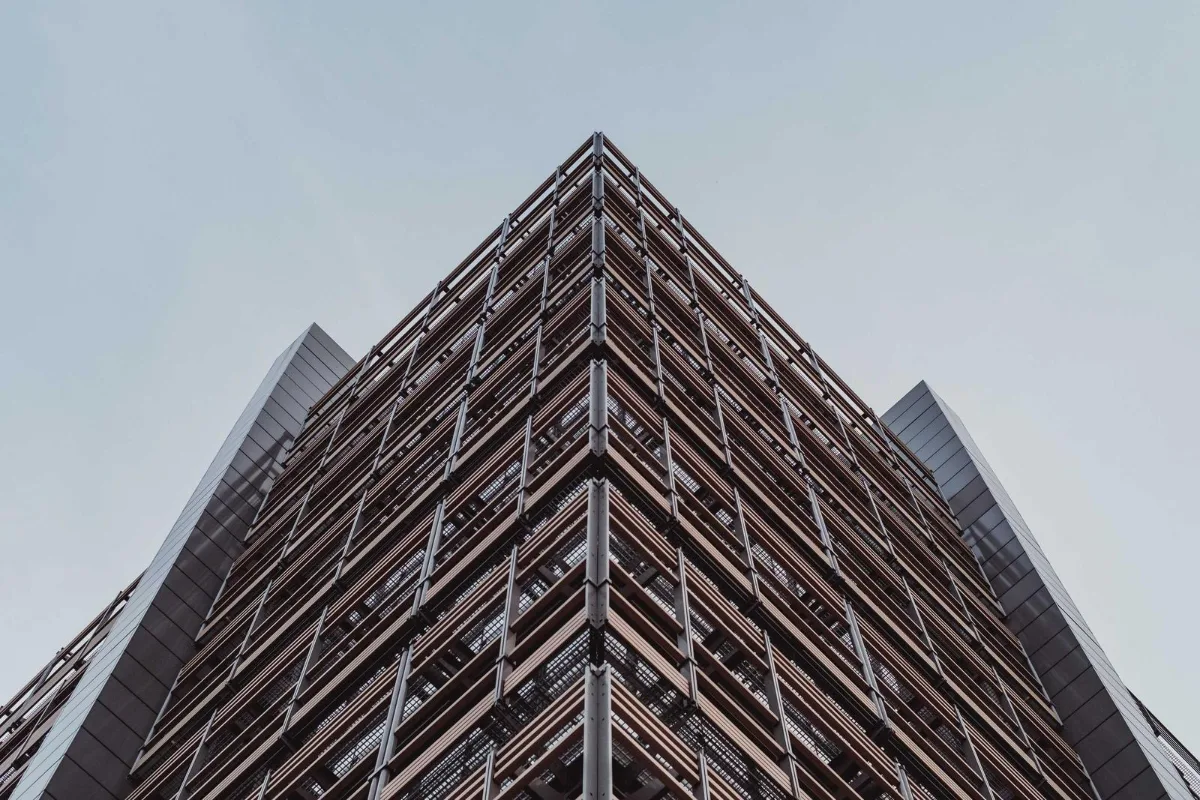
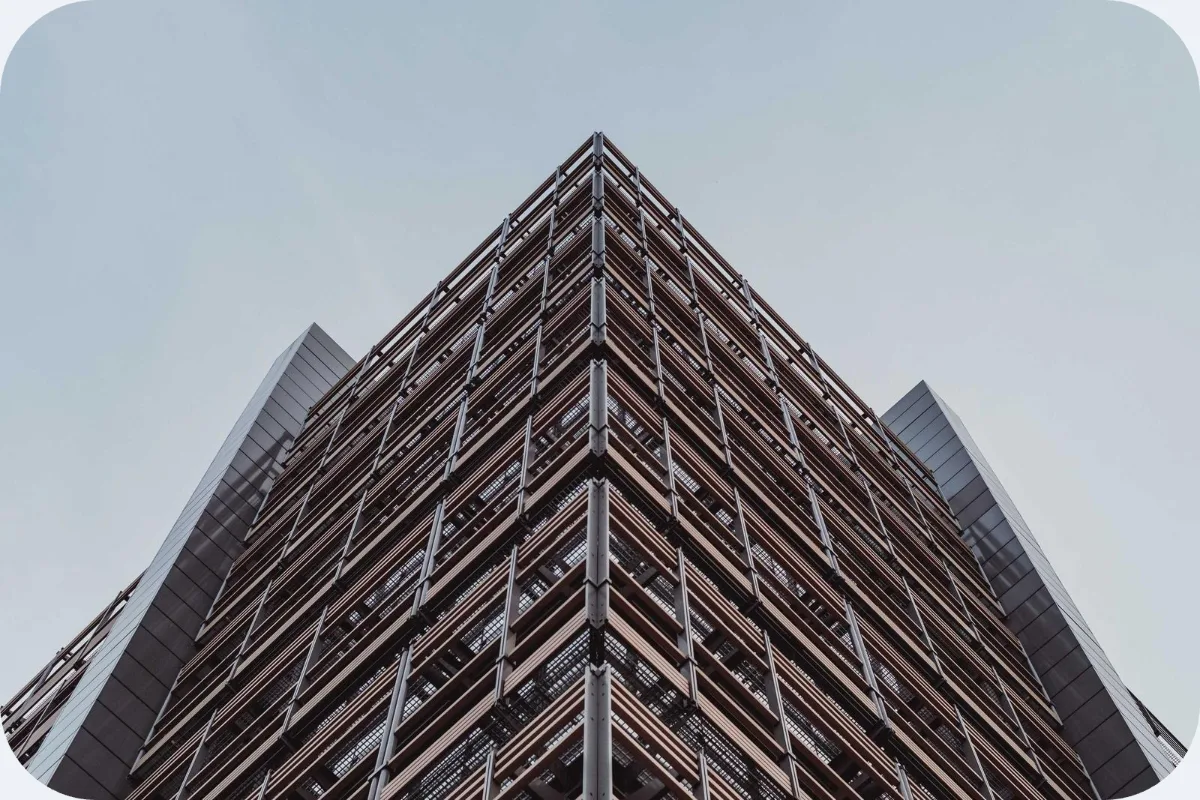
Screenshots and app previews look more polished with rounded corners. Set the radius as a percentage of the shorter side so a whole batch stays consistent, and download transparent PNGs.
What is Round Corners?
This round corners image tool cuts each corner of a picture into a smooth curve and makes the trimmed area transparent. Set the radius once and apply it to one image or a whole batch, then download PNGs that look polished on any background.
Rounded corners make screenshots, product shots and app previews look finished and modern, and they match the soft shapes used in most current interfaces. Doing it in an editor means drawing a mask for every file. Here it is a single slider, and the same setting applies to every image in the batch.
How to round corners
- Drop images.
- Set the radius.
- Download PNGs.
How Round Corners works
A rounded rectangle is a normal rectangle whose four corners are replaced by quarter circles. The size of those circles is the corner radius. This tool measures the radius as a percentage of the image's shorter side, so a batch of images with different sizes all get corners that look proportionally the same.
At 12%, the default, you get a gentle curve similar to a phone app icon. At 50% on a square image, the curves meet and the result is a full circle. On a wide image, 50% produces a pill shape with fully rounded ends.
The pixels outside the curve are made transparent using the PNG alpha channel, and the image is drawn through the curved shape with smooth edges. The output is always PNG, because JPG cannot store transparency. Everything is processed in your browser.
Key features of Round Corners
Free rounded PNGs in bulk
Round the corners of a batch of images for free in one run, with no watermark. Process a batch and download all the PNGs together in one ZIP.
Radius scaled to each image
Set the radius from 1% to 50% of the shorter side. A 1200-pixel and a 600-pixel screenshot at the same setting get visually identical corners, so a set of images looks consistent.
Fast batch processing
Each image is masked and encoded on your device in a fraction of a second. A batch of twenty screenshots finishes quickly because there is no round trip to a server.
Works on every screen size
Use it in Chrome, Edge, Safari or Firefox on Windows, macOS, Linux, iPhone, iPad and Android. Screenshots taken on a phone can be rounded right there, with no app. Results download straight to your device.
One accessible slider
The radius slider is labelled and moves with the arrow keys, and the file list and buttons work with Tab and Enter. Screen readers hear progress, and the page supports dark mode and zoom.
Screenshots stay on your device
Unreleased app screens and client mockups are processed inside the browser tab, so they never reach a server. Open the network tab while it runs and you will see no image being sent.
What makes EZ Compress's Round Corners different
Consistent corners across a batch
Tools that use a fixed pixel radius give small images round blobs and large images barely curved corners. A percentage radius keeps every image in the batch matching, even when their sizes vary widely.
Transparent, not filled
The corners are cut out, not painted white, so the result sits cleanly on dark mode pages, coloured slides and gradient backgrounds. You never get a pale box showing around the curves.
Circles and pills at 50%
Push the slider to 50% to turn a square into a circle or a rectangle into a pill-shaped badge, handy for buttons, labels and avatar-style thumbnails on a web page.
Why use Round Corners?
Rounded corners are a small detail that makes images look deliberate. Add them to screenshots in a blog post, product photos in a shop or app previews in a pitch deck and the page instantly looks tidier, especially next to rounded buttons and cards.
A round corners image is also useful on platforms that do not round images for you, such as email newsletters, documents and slide software. Because the output is a transparent PNG, the same rounded image works whatever the background colour.
Who can use Round Corners?
App developers
Round app screenshots and feature graphics for landing pages and pitch decks so they match the look of the interface itself.
Bloggers
Give every screenshot in a tutorial the same soft corners, so the post looks consistent and polished from top to bottom.
Email marketers
Add rounded corners to product images in newsletters, where many email clients ignore CSS rounding and show sharp, square edges to readers instead.
Presenters
Round photos and screenshots for slides so they sit neatly beside rounded shapes and look good on dark or colourful templates.
Designers
Quickly create rounded thumbnails, badge shapes and pill labels from any image without building clipping masks by hand in a design editor.
Settings explained
| Setting | What it does |
|---|---|
| Corner radius | Corner radius as a percentage of the shorter side. |