

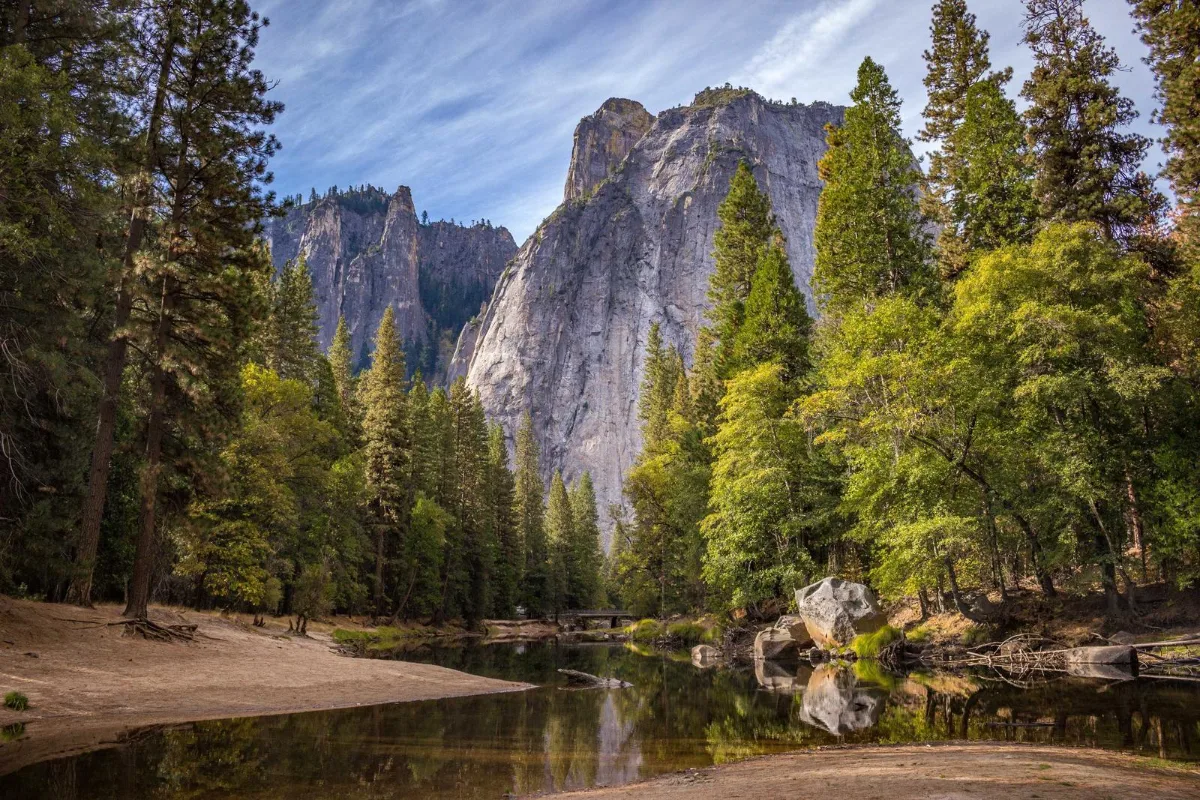
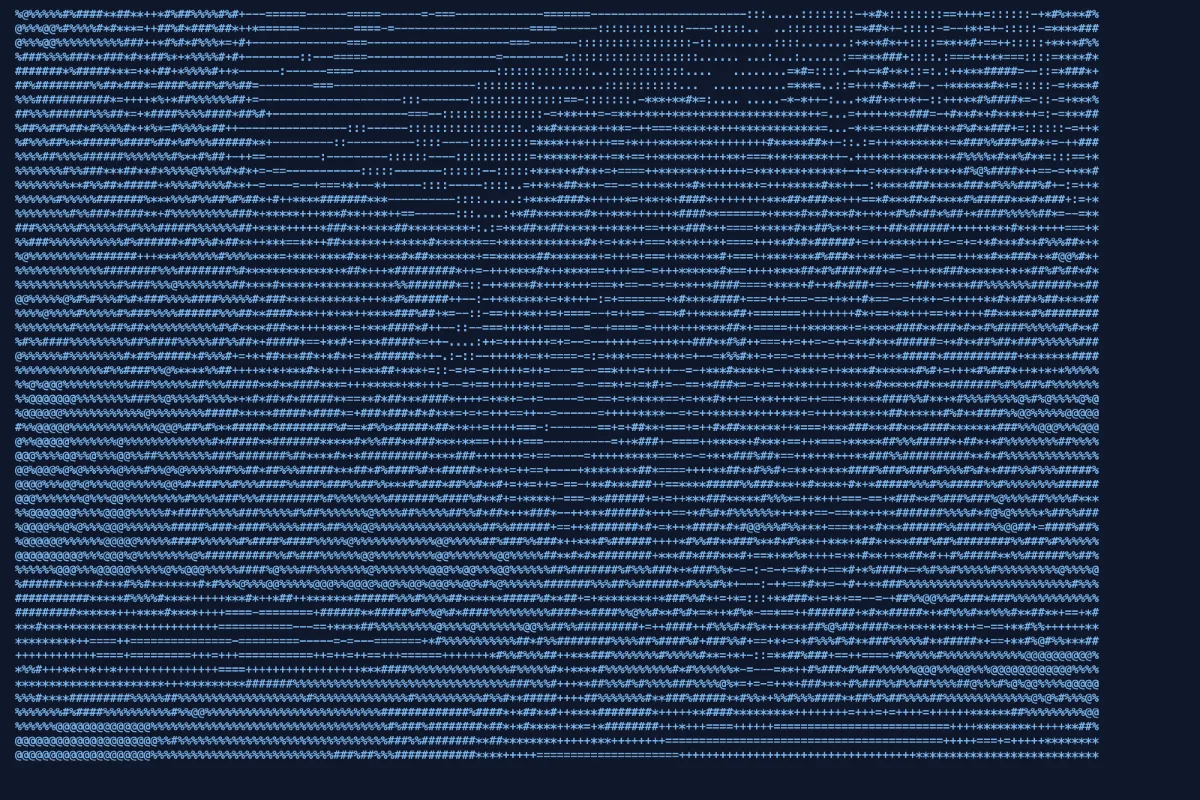
Turn a photo into text art for READMEs, terminal banners and retro fun. Choose the width in characters and a character set, then copy the text or download it rendered as an image.
What is Image to ASCII?
Our image to ASCII tool converts any photo or logo into text art made of keyboard characters. You choose the width in characters and a character set, see the result live, then copy it as plain text or download it rendered as a PNG image.
ASCII art is a playful way to show a picture where only text is allowed: README files, terminal banners, code comments, forum signatures and retro-style posts. Bold, high-contrast images such as logos, silhouettes and portraits with strong lighting give the most recognisable results, and the whole conversion happens in your browser.
How to convert Image to ASCII
- Drop an image.
- Set the width and character style.
- Copy the text or download a PNG.
How Image to ASCII works
ASCII art relies on the fact that different characters cover different amounts of space. An @ or # fills most of its cell with ink, a colon covers a little, and a space covers nothing. Arrange them in a grid and, from a distance, the eye reads the varying density as light and shade.
The converter shrinks the image to the number of columns you choose, then measures the brightness of each cell using a luminance formula that weights green most, red next and blue least, matching how bright colours look to us. Each brightness value is mapped to a character from dark to light. Text characters are about twice as tall as they are wide, so the row count is halved to keep the proportions right.
Different character sets give different styles: a short standard ramp, a detailed ramp with around 70 characters, Unicode block shading, or binary ones and zeros.
Key features of Image to ASCII
Free text art, any size
Convert images from 30 to 240 characters wide for free, with no watermark on the PNG. Copy the text or download the image once it looks right.
Proportions kept true
Brightness is measured with a luminance-weighted formula and the row count is corrected for tall character cells, so faces and logos keep their shape instead of looking stretched in a monospace font.
Live as you adjust
The ASCII preview redraws instantly when you change the width, character set or invert option. Everything happens right there in your browser, so you can experiment freely until it looks right.
Make art on any device
Create ASCII art on Windows, macOS, Linux, iPhone, iPad or Android in current Chrome, Edge, Safari or Firefox. The text output pastes into any app or editor that accepts plain text.
Plain text output
The result is real text, so screen readers and text tools can access it, unlike a flat picture. Controls are labelled and keyboard operable, the width slider uses arrow keys, and dark mode is supported.
Converted in your browser
Your image is read and converted locally and is never sent to a server. You can verify this in the network tab, and once loaded the page keeps working offline.
What makes EZ Compress's Image to ASCII different
Four character styles
Choose a standard ramp, a detailed 70-character ramp, Unicode block shading or binary digits. Each one gives a distinct look, from classic terminal art to a falling-code effect like the one in The Matrix.
Invert for dark backgrounds
Terminals and dark-mode editors show light text on dark backgrounds, which flips how ASCII art reads. One switch inverts the mapping so the art looks right where you paste it.
Text or PNG, your choice
Copy the ASCII as plain text for code and chats, or download it as a PNG rendered in a monospace font for places such as social apps that only accept image files.
Why use Image to ASCII?
Text art gets attention in places where images cannot go. A logo as ASCII art makes a command-line tool's startup banner memorable, decorates the top of a README, or adds personality to a code comment, and it survives anywhere plain text does.
It is also just fun. Converting a photo to ASCII text art is a quick creative project for social posts, chat messages and retro-themed designs. Narrow widths of 40–60 characters suit chat apps and phones, while 120 characters or more show fine detail when viewed on a wide screen.
Who can use Image to ASCII?
Developers
Turn a project logo into an ASCII banner for a CLI startup screen, a README header or the top of a source file.
Retro computing fans
Recreate the look of old bulletin boards and terminals by converting favourite photos with the standard or block character sets.
Teachers
Use ASCII art in computing lessons to show how images are made of brightness values and how characters can represent them.
Streamers and chat users
Create small text-art versions of emotes or logos to paste into chats, bios and channel descriptions that only support plain text.