

A proper favicon.ico holds several sizes so Windows, browsers and bookmarks each pick the sharp one. Drop a square PNG (512 px or larger is ideal) and this tool packs 16, 32 and 48 px versions (plus any others you tick) into a single .ico file.
What is PNG to ICO?
Our png to ico converter packs a PNG logo into a single favicon.ico file containing several sizes, so browsers, Windows and bookmark bars each pick the sharpest version. It works as a free favicon generator: drop a square PNG or SVG, tick the sizes you want, and download the ICO.
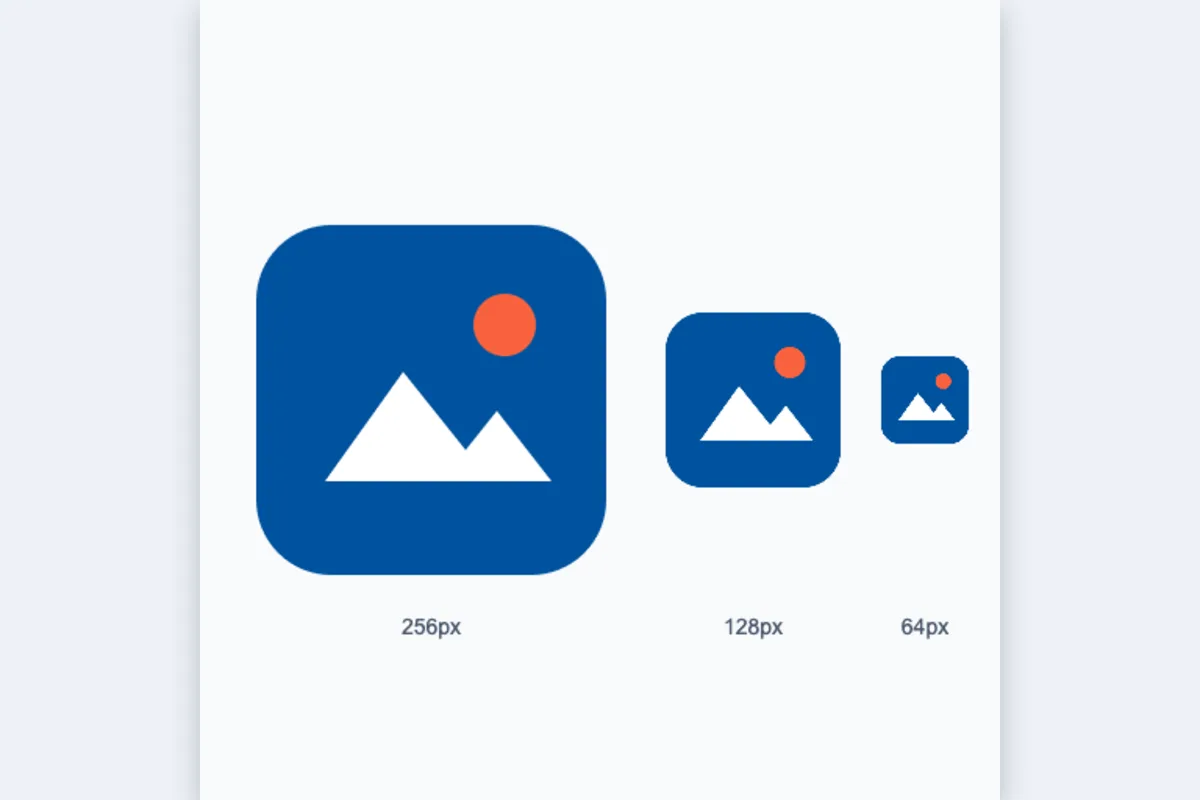
The default set is 16, 32 and 48 pixels, which covers browser tabs, taskbars and desktop shortcuts. You can add 64, 128 and 256 pixel layers for high-resolution displays. The tool also shows the HTML line to add to your page head. Everything is created in your browser.
How to convert PNG to ICO
- Drop a square PNG or SVG logo.
- Tick the sizes to include (16, 32, 48 cover browsers and Windows).
- Download favicon.ico and copy the HTML link tag.
How PNG to ICO works
An ICO file is a small container. It starts with a header saying how many images it holds, followed by a directory with one entry per image recording its width, height, colour depth and where its data begins. Windows, browsers and other software read the directory and choose the size that best fits where the icon is shown.
Each image inside can be an old-style bitmap or a complete PNG. This converter stores PNG-compressed images, supported since Windows Vista and in every current browser, which keeps the file small while holding full 32-bit colour with smooth transparency.
Your source is scaled down separately for every size with high-quality smoothing, so the 16-pixel version is a proper reduction rather than a crude shrink of the 48. Non-square images are centred on a transparent square. The 256-pixel size is written using the format's special zero value, as the specification requires.
Key features of PNG to ICO
Free favicon builder
Create a multi-size favicon.ico at no cost, with no watermark or branding added to your icon. Generate new versions while testing designs, using your free daily runs. Every size you tick is included in the one file.
Every size scaled separately
Each layer from 16 to 256 pixels is rendered individually from your source with high-quality smoothing, so small sizes stay as clear as possible. Transparency is preserved in every layer.
Ready in an instant
Building the ICO takes a fraction of a second because it happens in your browser with nothing sent to a server. Change the size selection and rebuild if you need a different set. No waiting for a server.
Works on all platforms
Create favicons in Chrome, Edge, Firefox or Safari on Windows, macOS, Linux, Android, iPhone and iPad. The ICO output works on every platform and browser. You can build favicons on a phone as easily as on a desktop computer.
Accessible size picker
The size checkboxes, file input and download button are keyboard operable and labelled for screen readers, with progress announced when the file is ready. Dark mode and zoom are supported.
Unlaunched brands stay secret
Your logo is processed locally and never sent to our servers, which matters when you are preparing a site or product that has not been announced yet. You can check the network tab to confirm no image data is sent.
What makes EZ Compress's PNG to ICO different
True multi-size ICO
Some converters simply rename a single PNG as .ico. This tool writes a real ICO directory with each size you choose, so every context gets a properly scaled image. Each layer is real.
Up to 256 pixels
Add 64, 128 and 256 pixel layers for Windows large icons and high-density screens, not just the basic 16 and 32 pixel sizes. Tick only the sizes you need, and the file stays as small as possible.
SVG input accepted
Start from an SVG logo as well as a PNG, JPG or WEBP. The vector is rendered at high resolution before scaling, giving cleaner small sizes. Non-square artwork is centred automatically.
HTML tag included
After converting, you get the link line to paste into your page head, so you are not left searching for the correct markup. Copy it, paste it into your template and the favicon is live.
Why use PNG to ICO?
Convert PNG to ICO when you need a favicon that works everywhere. Browsers accept PNG and SVG icons, but favicon.ico in the site root remains the most compatible choice: older browsers, some RSS readers, bookmark tools and crawlers request /favicon.ico directly.
ICO files are also what Windows uses for application, shortcut and folder icons. Use this png to ico tool to turn a logo into an ICO for a desktop app, an Electron project or a custom folder icon, with all the sizes Windows expects packed in one file.
Who can use PNG to ICO?
Website owners
Make a favicon.ico for a new site, upload it to the root folder and add the provided link line so the logo appears in tabs and bookmarks.
Web developers
Produce a correct multi-size favicon for client projects in seconds, without installing an icon editor or build plugin. The ICO works in every browser.
Windows app developers
Pack 16 to 256 pixel layers into one ICO for your executable, installer or shortcut icons. Every layer is scaled from your source separately.
Bloggers
Replace the default platform icon with your own logo so your blog is recognisable among a reader's open tabs. No plugin needed.
Desktop customisers
Turn any PNG into an ICO to set custom icons for folders and shortcuts in Windows. Tick 256 pixels for crisp large icons.
Settings explained
| Setting | What it does |
|---|---|
| Sizes to include | Icon sizes packed into the .ico container. |