

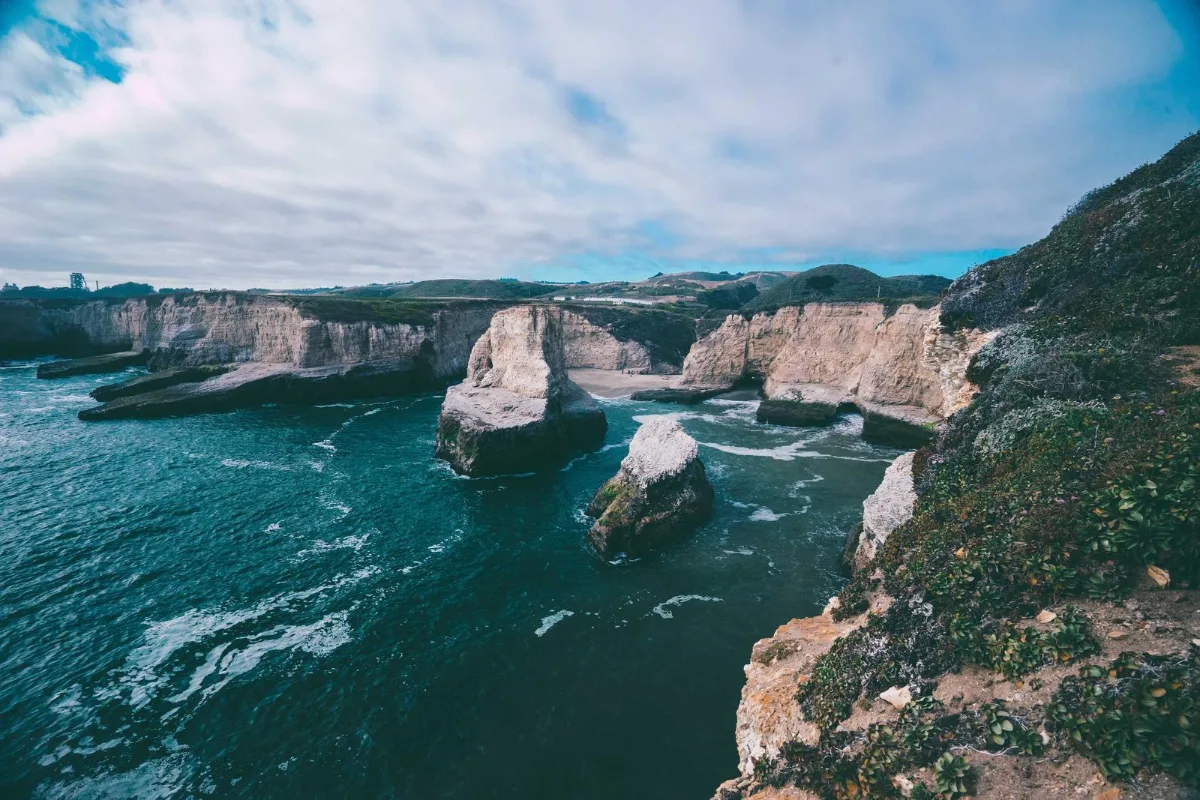
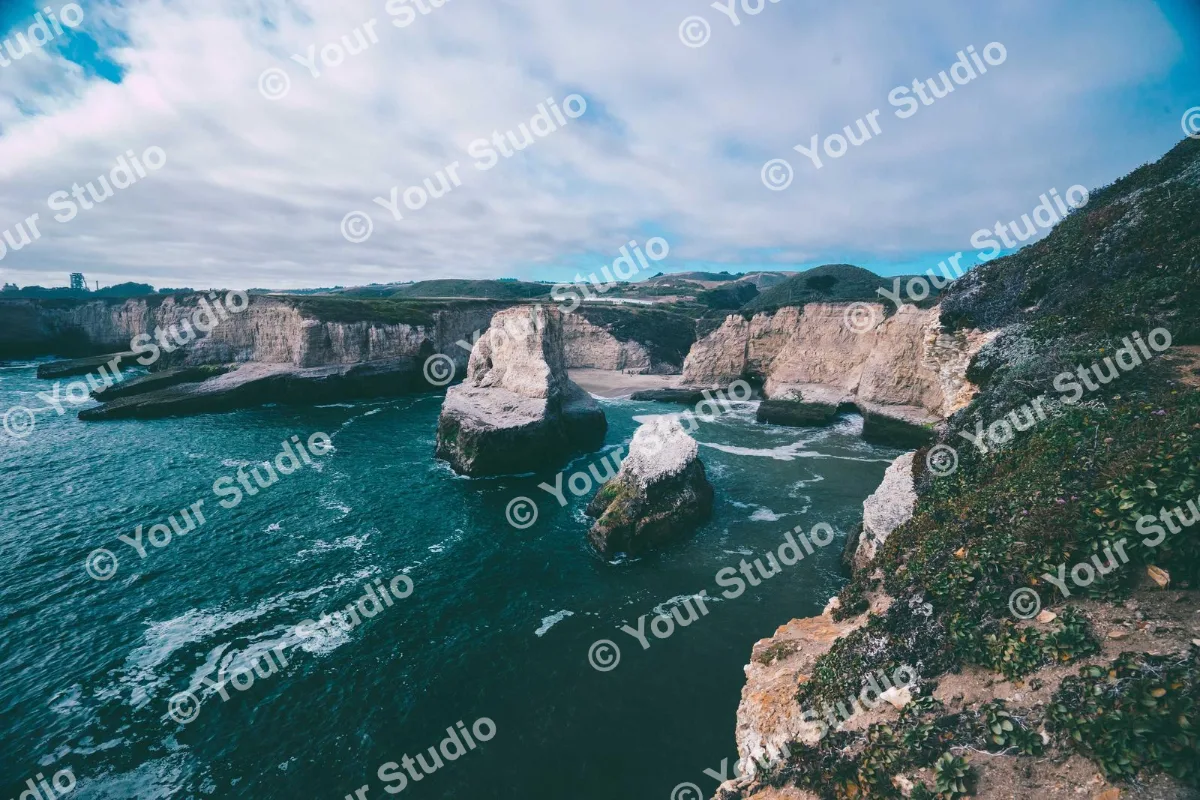
Protect product photos and portfolio images by stamping a text or logo watermark on dozens of files at once. Control opacity, size, corner position or tile it across the image. Everything stays on your device.
What is Add Watermark?
Our add watermark tool stamps a text or logo watermark on your photos, one image or dozens at once. You set the wording, font, colour, size, opacity and angle, drag the text into position or tile it diagonally across the whole picture, and download every watermarked file in a single ZIP.
A watermark tells viewers who made or owns a picture and makes it harder to reuse without credit. Photographers use it on proofs, shops use it on product shots, and creators use it on artwork they post publicly. Because everything runs in your browser, your unmarked originals never leave your device during the process.
How to add watermark
- Drop images.
- Enter text or choose a logo PNG; set opacity and position.
- Download the batch as a ZIP.
How Add Watermark works
A good watermark balances two goals: it should be clearly visible, yet not ruin the photo. Opacity controls that balance. At 30–50% the mark is readable but lets the picture show through; at 100% it is solid and much more intrusive.
Placement decides how easy the mark is to remove. A small mark in a corner is tidy but can be cropped off in seconds. A tiled watermark repeats the text in rows across the whole image at an angle, so cropping is no longer an option and editing it out takes real effort. A logo adds brand recognition, and here it is placed in the bottom-right corner, sized as a percentage of the image width.
Text size is relative to the image's shorter side, so the same settings look consistent across photos of different resolutions. Each image is drawn onto a canvas in your browser, the watermark is painted on top, and the result is saved as a high-quality JPG.
Key features of Add Watermark
Free batch watermarking
Watermark one photo or a whole shoot in one run, with no extra branding of ours added to your images. Multiple files download together as a ZIP.
Same mark on every photo
Size and position are relative to each image, so a watermark set on the preview lands in the same proportional place on every photo in the batch, even when resolutions differ. Opacity is adjustable from 5% to 100%.
Whole shoot in seconds
Large photo files never have to travel to a server, so a batch is watermarked as fast as your device can decode and save the images. A typical set of product photos is ready in seconds.
Watermark from any device
Mark photos straight from a laptop folder or a phone camera roll, dragging the text with mouse or finger. Works in current Chrome, Edge, Safari and Firefox on desktop and mobile.
Clear, labelled options
Text, font, colour, opacity, rotation and logo controls are all labelled, sliders respond to arrow keys and the tile switch is keyboard operable. Dark mode is available and there is no time limit.
Originals stay on your device
Unwatermarked photos are exactly what you want to keep private, and here they never leave your device. All stamping happens in the browser; you can confirm in the network tab that nothing is sent.
What makes EZ Compress's Add Watermark different
Text and logo together
Add a PNG, SVG or WEBP logo and add a text line too. The logo keeps its transparency, is sized as a percentage of the image width and sits neatly in the bottom-right corner.
Tiled watermark option
Switch on Tile across image to repeat your text diagonally over the entire picture. It is the hardest style to crop or clone out, and few free tools offer it for batches.
Batch to ZIP, one run
Drop a full folder of photos and get one ZIP back with every image marked the same way. The whole batch counts as one run, with no hidden branding of ours on your work.
Why use Add Watermark?
Photos posted online get copied, reposted and sometimes used in other people's adverts. A visible watermark keeps your name attached to your work wherever it travels, and clients viewing proofs are less tempted to screenshot them instead of paying for the final files.
For shops, a watermark on product photos discourages competitors from lifting your pictures for their own listings. A tiled, semi-transparent watermark across the subject is the strongest protection, while a small corner logo is better when the image itself is the advert. Either way, you can add a watermark to photos in bulk in under a minute.
Who can use Add Watermark?
Wedding and event photographers
Stamp a tiled watermark on client proof galleries so they can choose favourites without being able to use the unpaid images.
Online sellers
Add your shop name or logo to every product photo in a batch, so copied images still point buyers back to your store.
Digital artists
Put a semi-transparent signature on artwork before posting it to social media or portfolio sites, keeping the full piece visible.
Estate agents
Brand property photos with the agency logo before they go onto listing portals, keeping the whole set consistent and credited.
Content creators
Add your handle to images and infographics so reposts and screenshots still credit you when they spread across different platforms.