I Love PDF vs EZCompress: Which Free Tool Should You Actually Use?
Search for a free PDF converter and two names keep surfacing. iLovePDF is the famous one. EZ Compress is the newer, browser first option. If you are stuck on i love pdf vs ezcompress, this comparison uses what each site says on its own pages, so you can decide in a few minutes.
The Short Verdict
Pick EZ Compress when privacy, image tools, exact file sizes and free batch work matter most. Pick iLovePDF when you need e-signatures, redaction, PDF translation or its desktop and mobile apps. Both are solid. They are built for different jobs.
I Love PDF vs EZCompress at a Glance
| FeatureiLovePDFEZ Compress | ||
| Tool range | PDF suite, with image editing on its sister site iLoveIMG | 90+ tools for PDF, images, conversion, video and audio on one site |
| File handling | Homepage shows security badges but no retention policy | Runs in your browser, says files never leave your device |
| Free limits | Pricing page lists 1 task and 15 MB for PDF to Word | 10 runs a day, 20 with a free account, no fixed file size |
| Batch work | Limited on free, unlimited on Premium | Free, and a whole batch counts as one run |
| PDF to Word with OCR | Not included on the free plan | Included, with 10 OCR languages |
| Price | Premium: US$5 a month billed yearly, or US$9 monthly | No paid plans listed |
| Apps | Windows, Mac, iOS, Android | Works in desktop and mobile browsers |
Tool Range: One Site vs Two
iLovePDF is a PDF specialist. Its image tools live on iLoveIMG, a separate site, so a mixed job means switching tabs and rules.
EZ Compress keeps everything in one place. Here is how its tools map to the searches people actually make:
| CategoryWhat you will find | |
| PDF and documents | PDF to Word, JPG to Word, Word to PDF, Excel to PDF, PPT to PDF, PDF to Excel, PDF to JPG, JPG to PDF, Merge PDF, Split PDF, Organize PDF, Unlock PDF, PDF to ZIP, PDF Editor |
| Compression | Compress PDF, Image Compressor, Compress JPG, Compress PNG, Compress GIF |
| Conversion | HEIC to JPG, HEIC to PNG Converter, WEBP to JPG, WEBP to PNG Converter, PNG to JPG, AVIF to JPG, PSD to JPG, PSD to PNG |
| Image editing | Image Resizer, Resize JPG, Resize PNG, Crop Image, Copy Text From Image, Remove Background (beta), Upscale Image (beta) |
The practical win is the workflow. Convert a HEIC photo, resize it, then turn it into a PDF without leaving the site.
I Love PDF vs EZCompress on Privacy: Where Does Your File Go?
This is the biggest real difference. EZ Compress says compression, conversion and OCR run in your browser using WebAssembly, so the file stays on your device. You can check this yourself by opening your browser’s network tab while a tool runs. Its server keeps only a salted hash of your IP address and a daily run count, deleted after 30 days.
iLovePDF shows ISO 27001 and HTTPS badges. Its mobile guide says uploaded documents are deleted after two hours. That is a reasonable promise, but it still means your file travels to a server first. For contracts, ID scans or medical papers, never uploading is simply less to worry about. Learn more about the technology on MDN’s WebAssembly guide.
I Love PDF vs EZCompress Pricing and Free Limits
Free is where both tools show their conditions.
On iLovePDF’s pricing page the free plan allows 1 PDF to Word task up to 15 MB, and OCR based conversions are not included. Premium raises those to 10 tasks and 4 GB, for US$5 a month on an annual plan.
EZ Compress has no paid plans listed. Instead it caps usage by runs: 10 a day without an account and 20 with a free one, reset at midnight UTC. Because a batch of 200 photos counts as one run, the cap rarely hurts casual users. If you convert hundreds of separate files daily, test the limit first.
Exact Size Targets: A Quiet EZ Compress Advantage
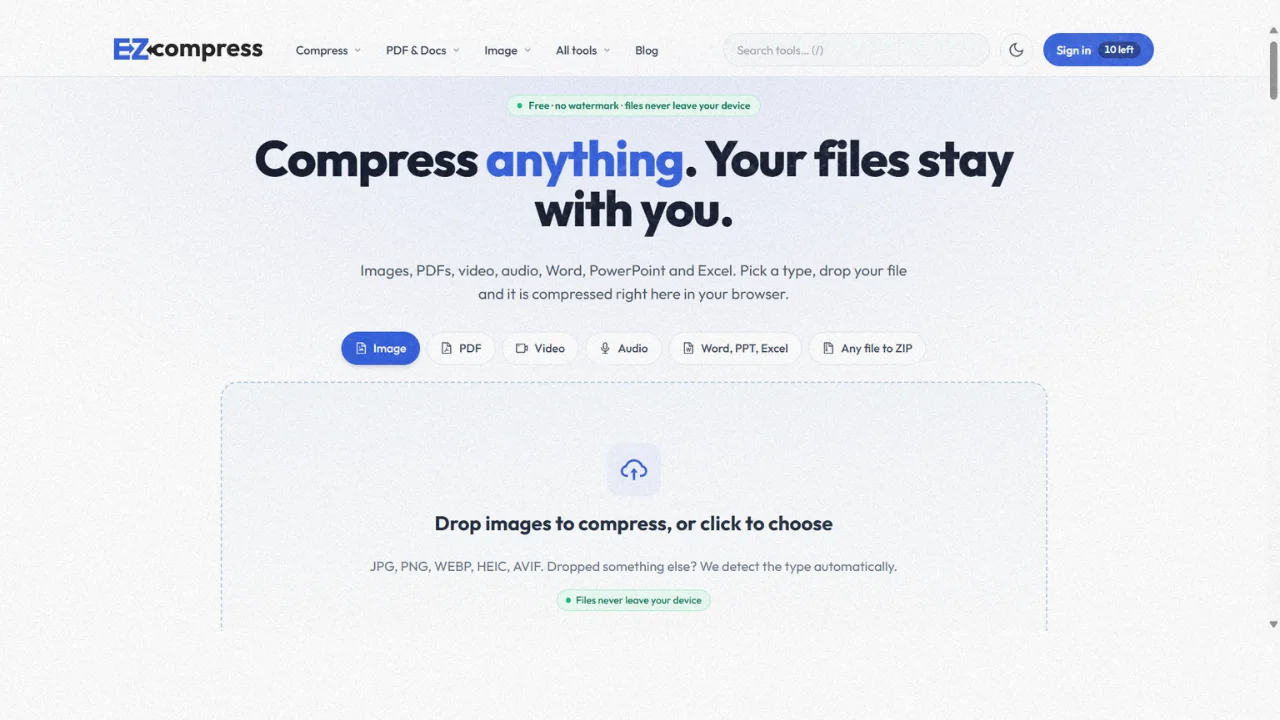
Forms and job portals love strict limits. EZ Compress offers dedicated tools to compress PDF to 100KB and compress PDF to 200KB, plus compress image to 20kb and 50kb, compress jpeg to 50kb, 100kb or 200KB, and a general reduce image size in KB tool. The tool searches for the best quality that fits your target. Its homepage demo shrinks a JPG from 542.8 KB to 196.9 KB, about 64 percent smaller.
iLovePDF’s homepage lists a general Compress tool but does not mention hitting an exact KB target.
Where iLovePDF Is Better
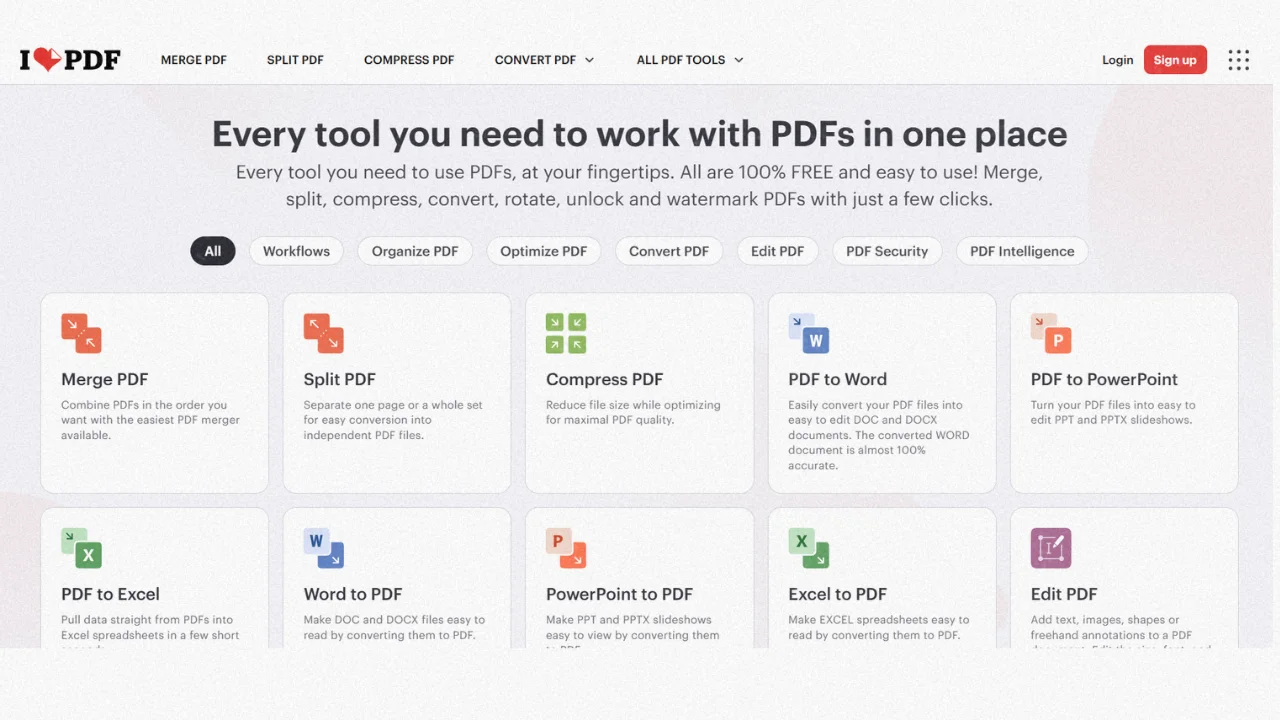
A fair comparison admits this part. iLovePDF offers Sign, Redact, Protect, Compare, PDF Forms, an AI Summarizer, Translate PDF and custom workflows. It supports 26 languages and has desktop and mobile apps for offline work. EZ Compress has no e-signature or redaction tool and does not list an image translator.
I Love PDF vs EZCompress: Which One Should You Choose?
- Choose EZ Compress for private files, image work, exact KB limits and free OCR.
- Choose iLovePDF for signatures, redaction, translation or app based workflows.
- Use both when a job needs it. They do not conflict.
3 Tips Before You Decide
Tip 1: Test with a real file. Run the same PDF through both tools and compare the layout, not the marketing.
Tip 2: Verify privacy claims. Open the network tab, run a conversion and look for file uploads.
Tip 3: Re-check the limits. Free plans change, so confirm current numbers on each pricing page.
Research Sources
| SourceWhat it coversLink | ||
| iLovePDF homepage | Tool list, security badges, apps | |
| iLovePDF pricing | Free and Premium limits | |
| EZ Compress homepage | Tools, privacy and run limits | |
| MDN WebAssembly | How in browser processing works |
Figures were checked on each site in October 2026.
Final Word
The i love pdf vs ezcompress question has no single winner, only a better fit. Try the free EZ Compress PDF to Word converter on a real file and see how it compares.
Every compressor runs in your browser, so your file stays on your device.
Open the compressors