


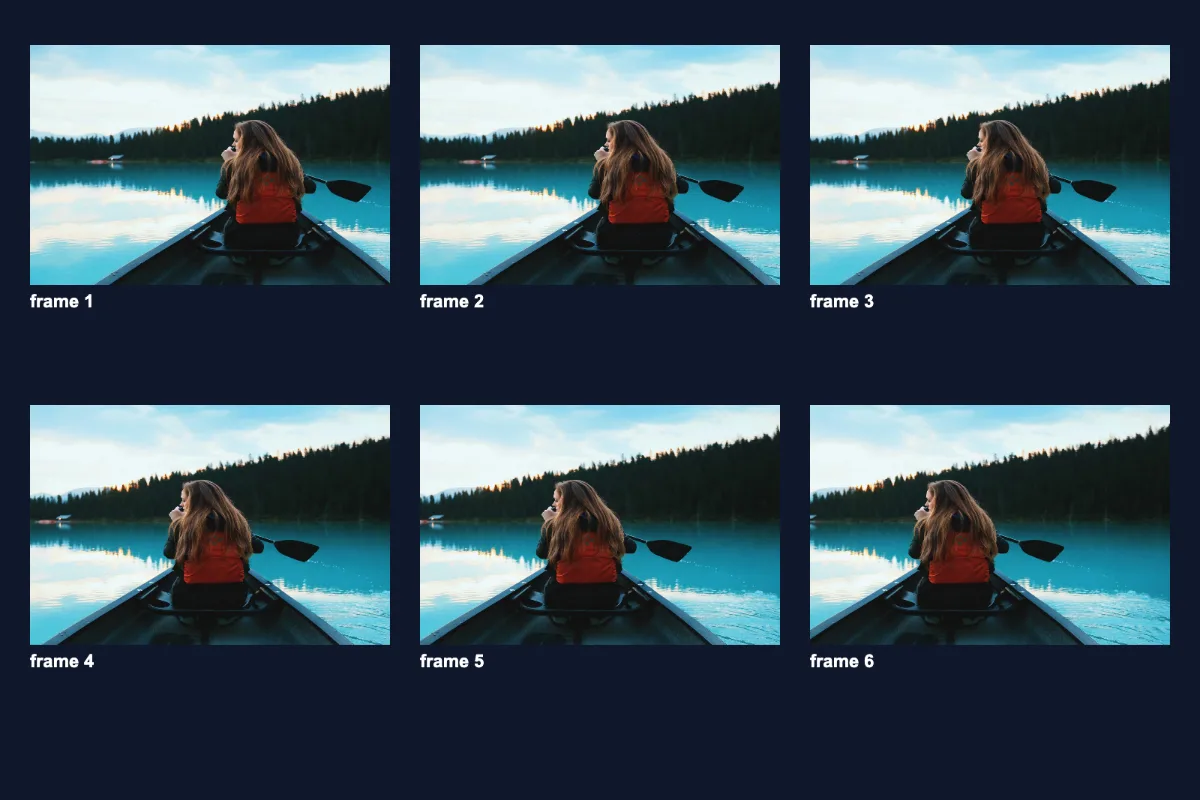
Pick a few seconds of a video and turn it into a looping GIF for chat, docs or a README. Trim with the sliders, choose a width and frame rate, and encode on your device, with nothing sent to a server, no watermark and no 10-second cap. Keep clips short (under 10 s at 480 px) for GIFs that stay under a few MB.
What is Video to GIF?
Our video to gif converter turns a short part of a video into an animated GIF that loops forever. It accepts MP4, WEBM, MOV, M4V and OGV files, and gives you trim sliders for the start and end, a width slider from 160 to 1080 pixels and a frame-rate slider from 5 to 30 FPS.
GIFs play automatically and silently almost everywhere: in chat apps, emails, documentation, GitHub READMEs and slide decks, where a video file might not play inline. This tool lets you make one from your own footage, processed right there in your browser and with no watermark added.
How to convert Video to GIF
- Drop an MP4, WEBM or MOV file.
- Set the start and end time, width and FPS.
- Click Make GIF and download.
How Video to GIF works
A video file stores motion very efficiently. Codecs like H.264 save one full frame now and then and, in between, only the changes. GIF cannot do that. It is a 1980s image format that stores each frame as a full picture limited to 256 colours, compressed with simple LZW coding. That is why GIFs are so much bigger than the clip they came from.
To make the GIF, the tool steps through your trimmed section at the frame rate you chose, draws each frame onto a canvas at your chosen width (height follows the original aspect ratio) and hands the frames to a GIF encoder. The encoder picks the best 256-colour palette for each frame, then writes the animation.
File size grows with width, frame rate and length multiplied together, so a 5-second clip at 480 px and 12 FPS is 60 frames, while 10 seconds at 30 FPS is 300. Everything runs in your browser, and the sound track is dropped because GIF has no audio.
Key features of Video to GIF
Free GIFs, no watermark
Make GIFs with your free daily runs, with no watermark in the corner and no 10-second cap on clip length. The finished GIF is yours to post, embed or send straight away.
Trim to 0.1 seconds
The trim slider moves in 0.1-second steps and the video preview jumps to your start point, so you can catch exactly the moment you want. An estimated frame count helps you predict the final size.
Encodes on your device
A large video file never has to be sent to a server. Frames are captured and encoded locally using background workers, so a short clip is usually ready in seconds. Longer or wider GIFs take more time and memory.
Works on phone and desktop
Runs in Chrome, Edge, Safari and Firefox on Windows, macOS, Linux, iPhone, iPad and Android. Anything your browser can play will convert; HEVC MOV files from iPhones play in Safari but may not in Chrome.
Slider controls for keyboards
Trim, width and frame-rate sliders can be moved with the arrow keys as well as a mouse. Labels show the current values in plain text, progress is announced to screen readers, and there is no time limit.
Your footage stays private
Videos from your phone, screen recordings of work software or unreleased product clips never leave your device. The whole conversion happens in your browser tab, which you can check in the network tab.
What makes EZ Compress's Video to GIF different
No length cap
Many converters stop at a few seconds or limit free users. Here you choose any start and end point; the only practical limit is your device's memory and the size of GIF you are happy to share.
Fine control over size
Width from 160 to 1080 pixels and 5 to 30 frames per second, both on sliders, let you trade smoothness for file size precisely instead of picking from a few presets.
Several video formats
MP4, WEBM, MOV, M4V and OGV are all accepted, so screen recordings, phone clips and downloaded web videos can go straight into the video to gif converter without a separate conversion step first.
Why use Video to GIF?
A GIF is the simplest way to show motion where video is awkward. Drop one into a bug report to show exactly what went wrong, into documentation to demonstrate a feature, into a team chat as a reaction, or into an email where video would not autoplay. Converting video to gif here takes a minute and needs no software.
It is also a handy way to share a highlight from a longer recording. Trim a three-second moment from a screen recording, a game clip or a family video, choose a width that suits where it will be posted, and keep the clip short so the GIF stays small enough to load quickly on phones.
Who can use Video to GIF?
Developers
Turn a short screen recording into a GIF for a GitHub README, pull request or bug report, so reviewers can see the behaviour without downloading a video.
Technical writers
Create looping GIFs of a few clicks in an app to embed in help articles and onboarding guides, where they play automatically.
Social media fans
Clip a favourite moment from a video you recorded and turn it into a reaction GIF for group chats and forums.
Teachers and trainers
Make short looping demonstrations of a science experiment, a software step or a sports technique to embed in slides and handouts.
Product marketers
Produce lightweight animated previews of a new feature for emails and landing pages, where GIFs display in most email clients without a play button.