

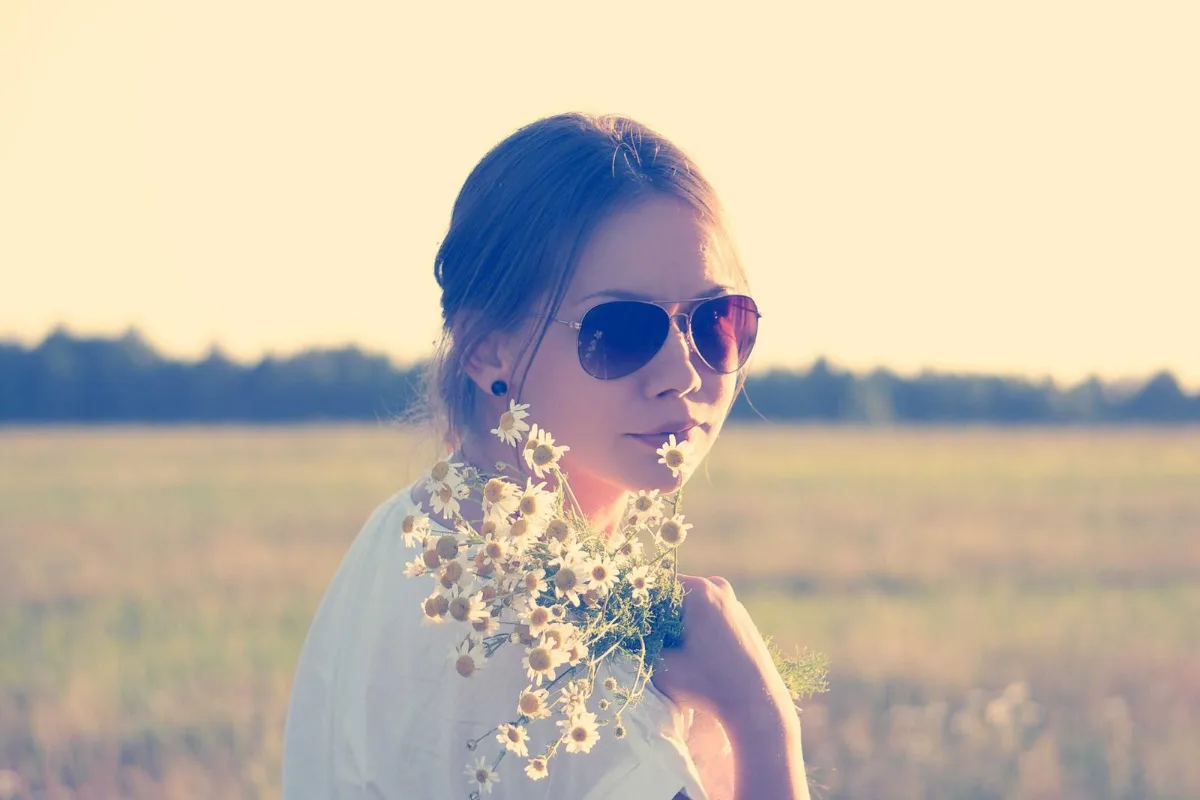
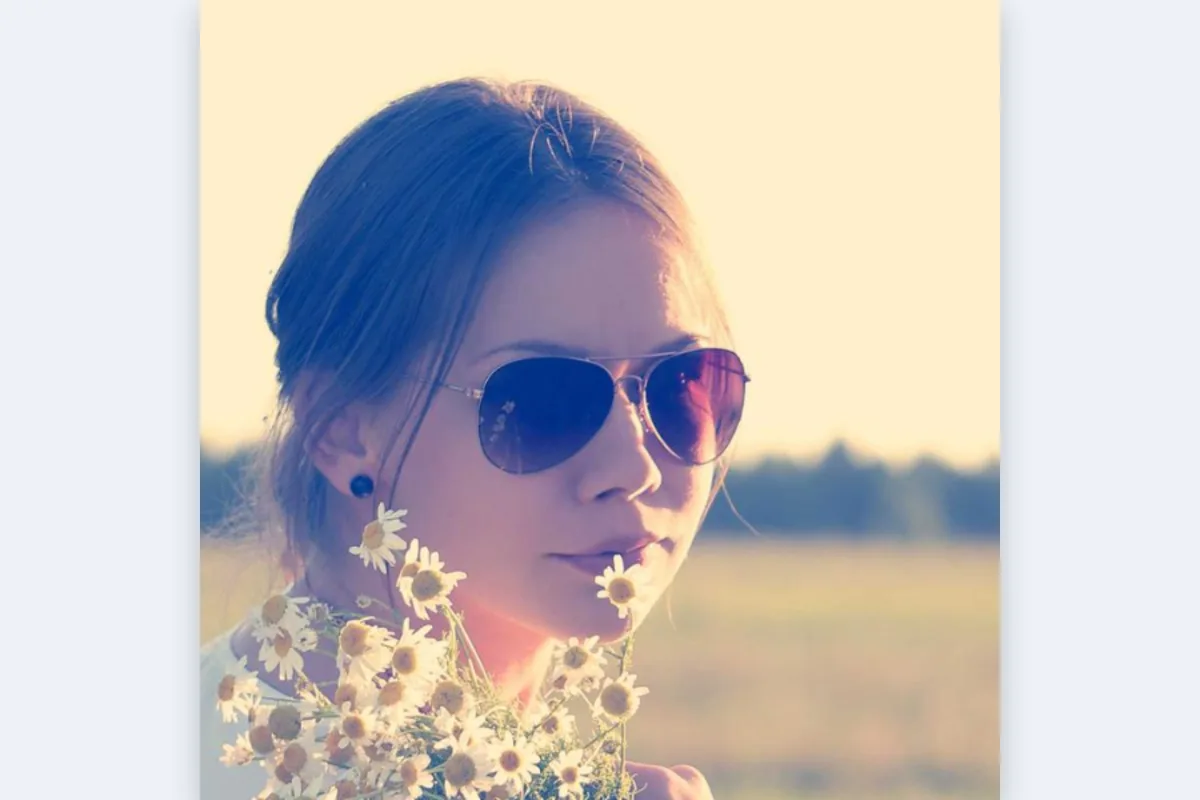
Frame your face correctly for each platform: 400×400 for LinkedIn and X, 500×500 for WhatsApp, 320×320 for Instagram, 1024×1024 for Discord. Preview the circle mask most apps apply, then download a square PNG or JPG.
What is Profile Picture Maker?
This profile picture maker crops a photo to the right square size for the platform you are using: 400×400 for LinkedIn and X, 500×500 for WhatsApp, 320×320 for Instagram, 512×512 for Slack, 460×460 for GitHub and 1024×1024 for Discord. A circle preview shows how it will look once the platform rounds it.
A good profile photo needs your face centred, not too small and not cut off at the chin. Framing it here first means the site does not crop it badly on its own, and the file is already the size it expects.
How to use the Profile Picture Maker
- Drop a photo.
- Pick the platform; drag to frame your face.
- Download.
How Profile Picture Maker works
Almost every platform stores your avatar as a square image, then displays it inside a circle using a mask. The corners of your square are still in the file, just hidden. That is why the safest approach is to upload a square with your face centred and some space around it, so nothing important falls outside the circle.
Platforms also shrink avatars to tiny sizes in comments and chat lists, sometimes 40 pixels or less. Starting from the recommended size, rather than a huge original, gives the platform less work and usually a sharper small version. Your face should fill roughly half to two thirds of the frame so it stays recognisable when small.
Here you frame the square with the circle shown as a guide, and the crop is resized to the selected platform's pixel size with high-quality smoothing, entirely in your browser.
Key features of Profile Picture Maker
Free avatars for every site
Make profile pictures for every platform you use, free and with no watermark. Re-crop and download again for each site in a few clicks. Every file is clean and ready to upload.
Seven platform sizes
Choose LinkedIn or X at 400×400, WhatsApp 500×500, Instagram 320×320, Slack 512×512, GitHub 460×460 or Discord 1024×1024, and the download comes out at exactly that size, so no site has to resize it for you.
Framed and saved instantly
Cropping and resizing happen on your device, so the finished avatar downloads almost the moment you click. Switching platforms and downloading again is just as quick on a phone or computer.
Phone selfies welcome
Take a selfie and frame it right in Safari or Chrome on iPhone or Android, using your finger to position the crop. It also works on desktop browsers with a mouse.
Accessible platform menu
The platform menu works with Tab and arrow keys, and the crop fields, format choice and buttons are all labelled. Screen readers, dark mode and browser zoom are supported, with no time limits.
Your face stays on your device
Profile photos are personal. Cropping and resizing happen inside the browser tab, nothing is sent to a server, and you can confirm that in the network tab. Nothing is stored or shared.
What makes EZ Compress's Profile Picture Maker different
Sized per platform
Instead of one generic square, pick the platform and get its recommended pixel size. That avoids blurry avatars from undersized uploads and wasted detail in huge ones that the site shrinks anyway.
Circle preview on a square file
You see the circle the platform will apply while you frame the shot, but you download a square, which is what every site's upload form expects. There is no guesswork about the edges.
JPG, PNG or WEBP
Save as JPG for photos and selfies, PNG for logos and illustrated avatars, or WEBP for a smaller file, all from the same screen, with no separate converter needed at all.
Why use Profile Picture Maker?
Your avatar appears next to every message, comment and post you make, often at a tiny size. When you make a profile picture with your face centred and sized correctly, people recognise you instantly, and on professional sites like LinkedIn it signals that you have taken care over your presence.
The profile picture maker also saves time when you update photos across several accounts. Frame the shot once, then switch platforms and download a correctly sized version for each site, without uploading the same large photo and fighting each site's own cropping tool.
Who can use Profile Picture Maker?
Job seekers
Create a well-framed 400×400 LinkedIn photo from a recent picture so recruiters see a clear, professional face beside your applications.
Remote workers
Make matching avatars for Slack, GitHub and email so colleagues recognise you across every tool your team uses, from chat to code review.
Gamers and community members
Crop a 1024×1024 Discord avatar from a photo or artwork so it stays sharp on high-resolution screens and in busy server member lists.
Freelancers
Prepare a consistent headshot for X, Instagram and WhatsApp Business so clients see the same face wherever they find you.
Students
Set a clear profile photo for a university learning platform, group chat or society page from a quick phone selfie.