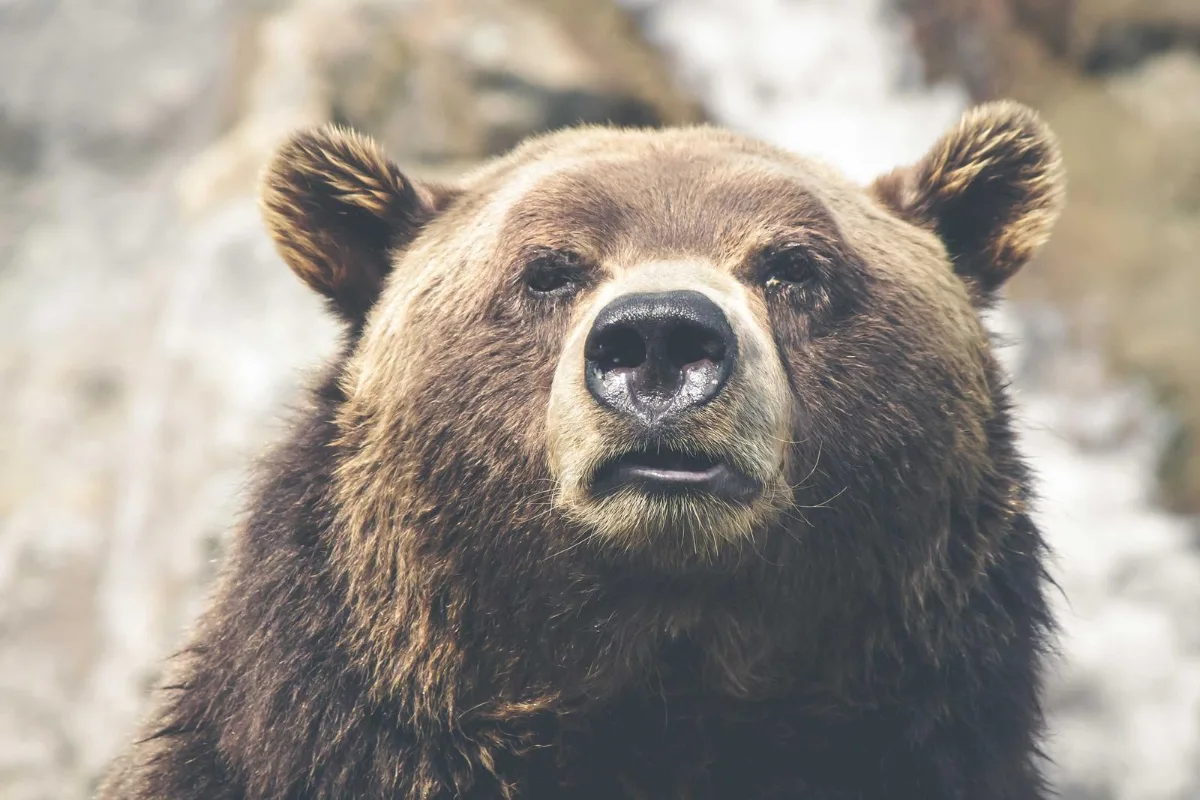
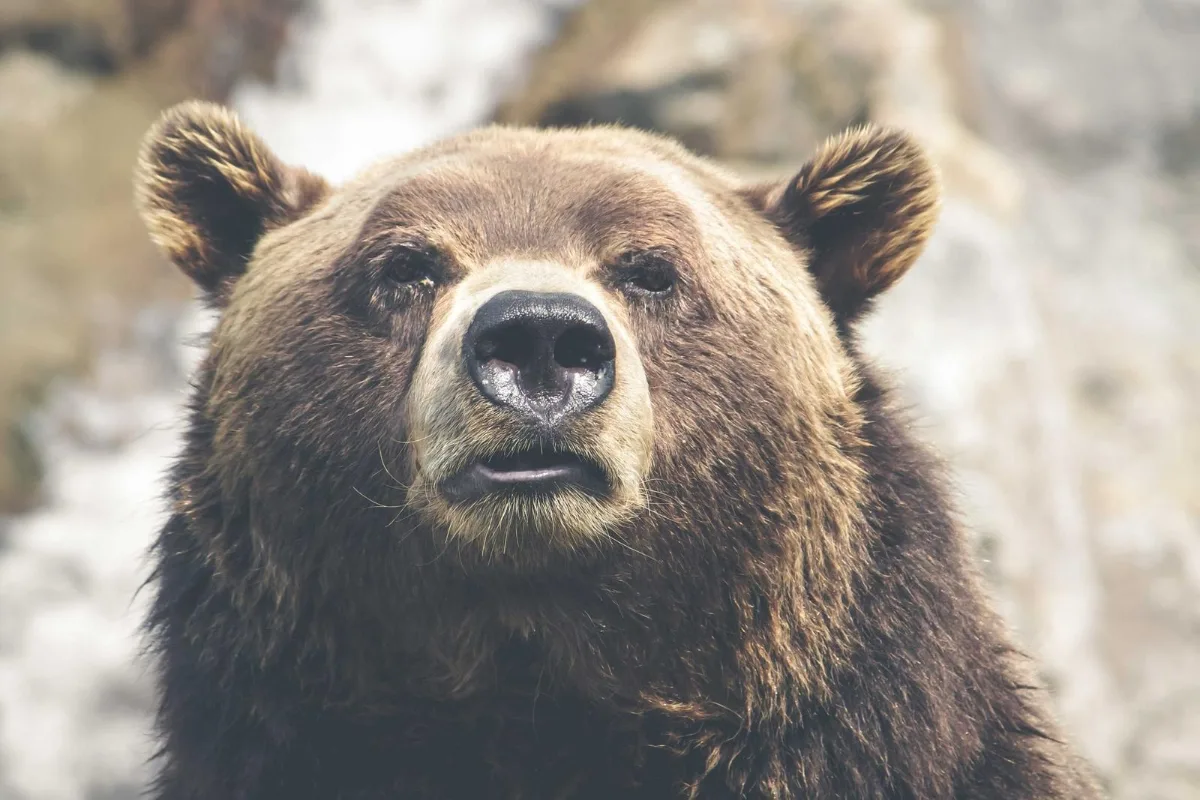
Mirror selfies back to how others see you, or flip a graphic for a layout. Lossless for PNG; JPGs are re-encoded at high quality.
What is Flip Image?
This flip image tool mirrors a picture horizontally, or turns it upside down along its middle with a vertical flip. It works on single images or batches, keeps the original dimensions and format, and takes one click once your files are in.
The most common reason is selfies: many front cameras save a mirrored version, so text on a T-shirt reads backwards and your face looks different from how others see it. Flipping also helps designers face a subject towards the text on a page, or create mirrored artwork for printing.
How to flip image
- Drop images.
- Choose horizontal or vertical.
- Download.
How Flip Image works
Flipping is a reflection, not a rotation. A horizontal flip swaps every pixel's position left to right, so the left edge becomes the right edge, as if you held the picture up to a mirror. A vertical flip swaps top and bottom, which looks like a reflection in still water.
This is different from rotating 180 degrees. A 180° rotation turns the image upside down and reverses left and right at the same time, so text reads upside down but not mirrored. A vertical flip only swaps top and bottom, so text becomes mirrored and upside down.
Because pixels are only moved, never blended, a flip loses no detail. PNG output is pixel-identical, and JPGs are re-saved once at high quality. The whole process runs locally in your browser.
Key features of Flip Image
Free mirror images
Flip a batch of images in one run with no cost and no watermark. Mirror a single selfie or a whole folder of product shots and download them together as a ZIP.
Pixel-exact mirror reflection
Every pixel moves to its mirrored position with no resampling, so dimensions stay the same and fine detail is untouched. PNG output is identical apart from the direction. Nothing is blurred.
Flipped in an instant
Mirroring is one of the lightest image operations, so each file is ready almost immediately on your device. Batches finish fast because nothing has to reach a server first, even on older phones and laptops.
Works in any browser
Flip photos on iPhone, iPad, Android, Windows, macOS or Linux in Chrome, Edge, Safari or Firefox. No app is needed, and the page fits small screens. You can also install it as an app.
Simple accessible choice
Horizontal and Vertical are labelled options you can switch with the keyboard, and progress is announced to screen readers. The page supports dark mode and browser zoom, with no time limits.
Selfies stay private
Your photos are mirrored inside the browser tab and never sent to a server. You can check the network tab, and the tool keeps working offline after the page loads.
What makes EZCompressor's Flip Image different
Both directions, one tool
Choose a horizontal mirror or a vertical flip from the same page, rather than hunting for separate tools or menus. Switching direction takes one click and applies to every file in the batch.
Batch flipping
Mirror dozens of images in one go, which is useful when a whole set of front-camera shots or product photos need to face the same way, and download them as one ZIP.
No size or format changes
The output keeps the original width and height, and JPGs stay JPG while PNGs stay PNG, so the flipped file drops straight into the same place as the original, with no extra edits.
Why use Flip Image?
When you mirror an image from a front camera, you get the version other people actually see, with logos and writing readable the right way round. It is a quick fix before posting a selfie, a video call snapshot or a photo of a sign.
Designers flip images to improve composition, for example so a person looks into the page rather than off its edge, or to create symmetrical patterns. A vertical flip helps with reflection effects and when a scan was fed through upside down and mirrored.
Who can use Flip Image?
Selfie takers
Un-mirror front-camera photos so text on clothing and signs reads correctly before posting them to social media or sending them to friends.
Graphic designers
Flip a model or product so it faces towards the headline in a layout, without re-shooting or opening heavy software.
T-shirt and mug printers
Create mirrored artwork for iron-on transfers and sublimation prints, which need to be printed in reverse to come out correctly.
Online sellers
Make a set of product photos all face the same direction so a shop grid or catalogue page looks balanced.
Teachers
Prepare mirrored images for symmetry lessons and spot-the-difference worksheets in seconds, for a whole set of pictures at once, ready to print.
Settings explained
| Setting | What it does |
|---|---|
| Direction | Mirror direction. |