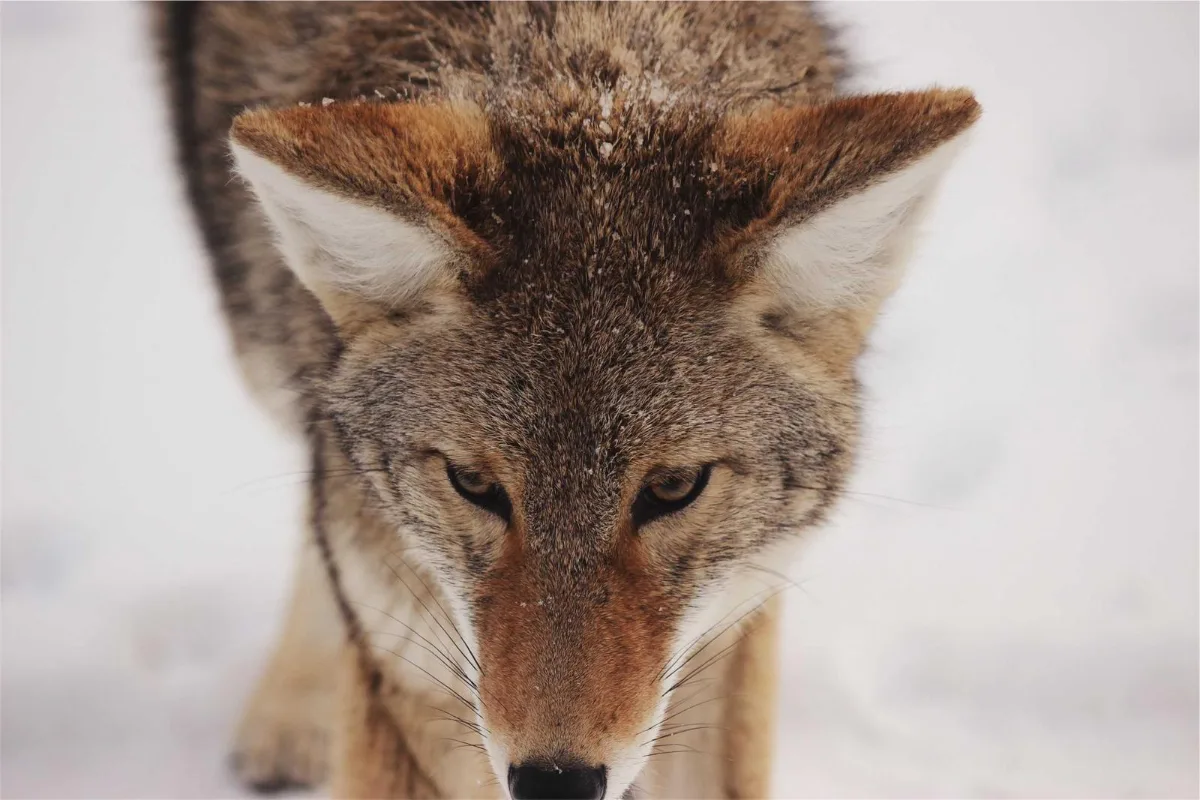
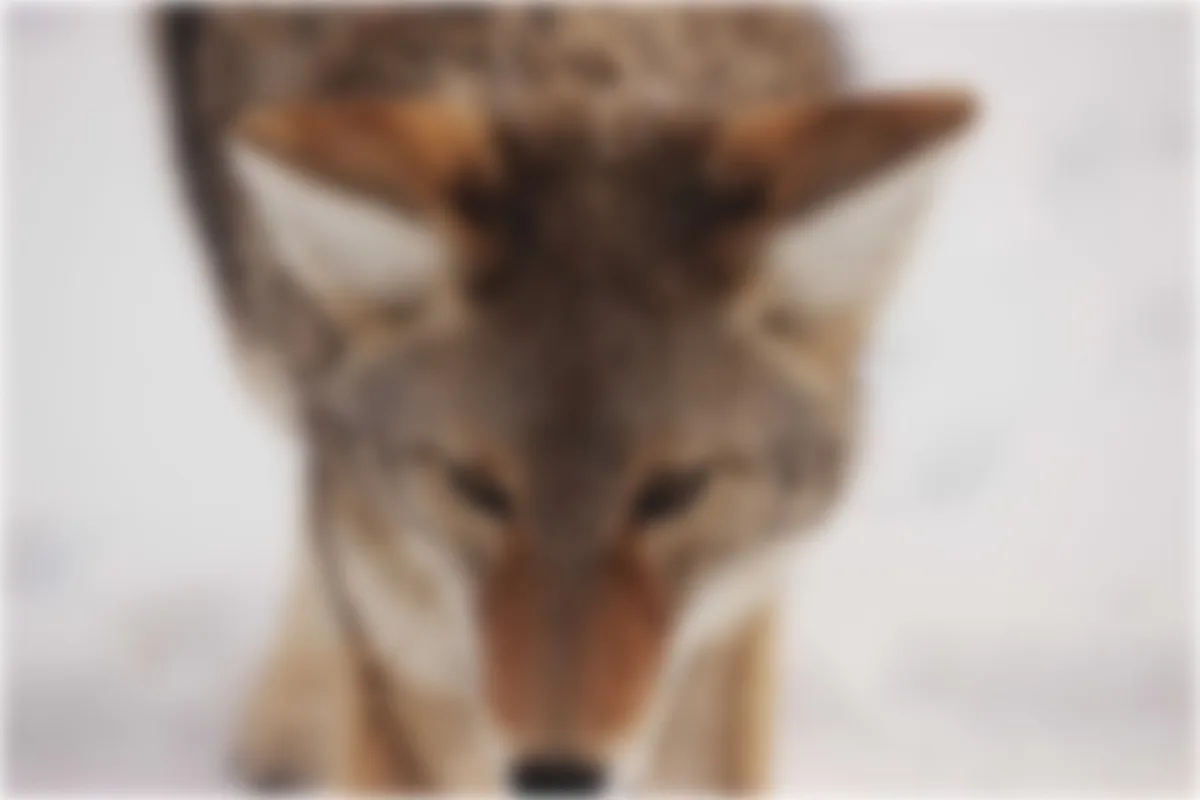
Blur an entire image for a soft background behind text, a privacy screen, or a placeholder. To blur only a face or a licence plate, use Blur Face instead.
What is Blur Image?
Our blur image tool softens an entire photo with an adjustable Gaussian blur, from a faint 1 px haze to a heavy 60 px wash where shapes melt into colour. It is the quickest way to turn a busy photo into a calm background for a heading, a slide or a website banner.
Blur also works as a simple privacy screen when nothing in the picture needs to stay readable, and as a way to make low-detail placeholder images. You can process a whole folder in one go. If you only need to hide one face or a number plate, the Blur Face tool lets you blur a box instead of the whole picture.
How to blur image
- Drop images.
- Set the blur amount.
- Download.
How Blur Image works
A Gaussian blur replaces every pixel with a weighted average of its neighbours. Pixels close by count the most, and their influence fades smoothly with distance along a bell-shaped curve. The radius you choose sets how wide that curve is, so a 5 px blur only mixes nearby pixels while a 40 px blur pulls in colour from far across the frame.
Fine detail is made of sharp jumps between neighbouring pixels, so averaging removes it first. Edges go soft, small text becomes unreadable and sensor noise disappears, while large areas of colour survive. That is why a blurred photo still feels like the original scene even though nothing in it is crisp.
Here the blur is drawn by your browser's own canvas graphics engine, so the picture never leaves your device. The output keeps the original width and height. JPG, PNG and WEBP files keep their format, while HEIC comes back as JPG and AVIF or SVG as PNG.
Key features of Blur Image
Free blur image batches
Blur a batch of photos in one run with no watermark. Drop a batch, set one blur amount and download each file or a single ZIP.
Blur set to the pixel
The slider runs from 1 px to 60 px in 1 px steps, so you can repeat exactly the same softness across a set of images. The output keeps the original pixel dimensions, so nothing shifts in your layout when you swap the files in.
Done in about a second
There is no queue and no round trip to a server. The blur runs on your own device, so a typical phone photo is ready in a second or two, and a batch finishes about as fast as your computer can decode the files.
Works on phone and desktop
Use it in current Chrome, Edge, Safari or Firefox on Windows, macOS, Linux, iPhone, iPad and Android. Nothing to install, although you can add the site to your home screen as an app from the browser menu.
Keyboard-friendly blur slider
The blur slider moves with the arrow keys, every button is labelled, Enter starts the job and progress is announced to screen readers. There is a dark mode, no time limit, and the layout still works at high browser zoom.
Photos never leave you
Images are blurred locally and never leave your device. You can confirm it in the network tab of your browser's developer tools. Once the page has loaded, the tool keeps working even if your internet connection drops.
What makes EZCompressor's Blur Image different
Nothing sent to a server
Many online blur tools send your photo to a server first. Here the file is read and blurred inside the browser tab, which is quicker and means a personal photo is never stored on anyone else's computer.
One setting for a whole batch
Drop dozens of images at once and every one gets the same blur radius. Download them separately or together as a ZIP, which keeps slide backgrounds and website banners consistent with each other.
Your format, your size
A PNG stays a PNG and a WEBP stays a WEBP, at full resolution. You are not pushed into a shrunken preview or a forced JPG, and nothing is stamped in the corner of the result.
Why use Blur Image?
Text placed over a detailed photo is hard to read. A soft blur behind a heading, a quote card or a presentation title keeps the mood of the picture while letting the words stand out. Designers blur image backgrounds for login screens and hero banners for the same reason: a sharp photo competes with the buttons.
A strong Gaussian blur is also a fast way to share a screenshot or photo where nothing should be legible, such as a draft layout or a cluttered desk. When you blur an image for privacy, remember that anything truly sensitive, like ID numbers or faces, is safer pixelated or covered with a solid block, because a light blur can sometimes be partly reversed.
Who can use Blur Image?
Presentation makers
Blur a photo to around 15–25 px and use it as a slide background, so white titles, charts and logos stay easy to read on top of it.
Web designers
Create soft hero and login-page backgrounds in the same format your site already uses, without opening a full photo editor or exporting several versions.
Social media managers
Make blurred backdrops for quote graphics and story templates, processing a whole set together so every post in a series has the same look.
App developers
Produce low-detail placeholder images that show while the real photo loads, and test how interface text reads over busy pictures.
Bloggers
Blur a cluttered background shot before using it behind a featured-image title, so the headline stays the first thing readers notice.
Settings explained
| Setting | What it does |
|---|---|
| Blur amount | Strength of the effect. |