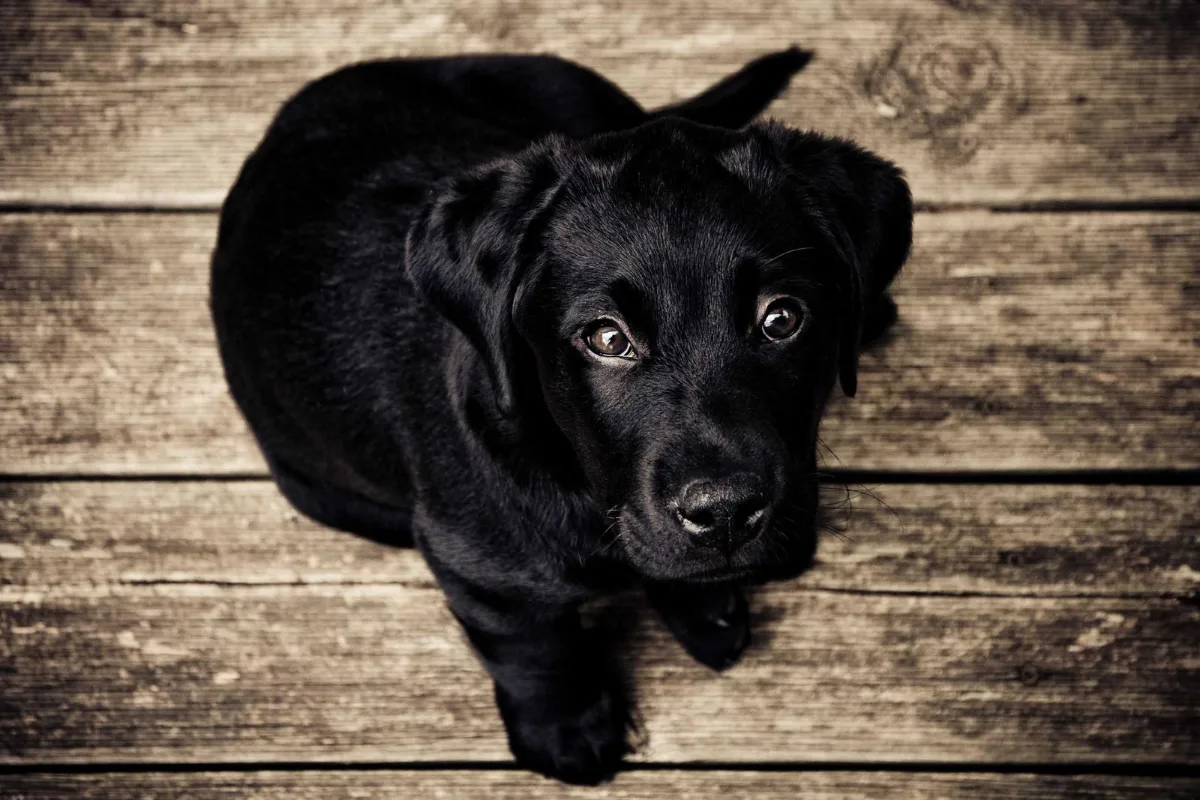
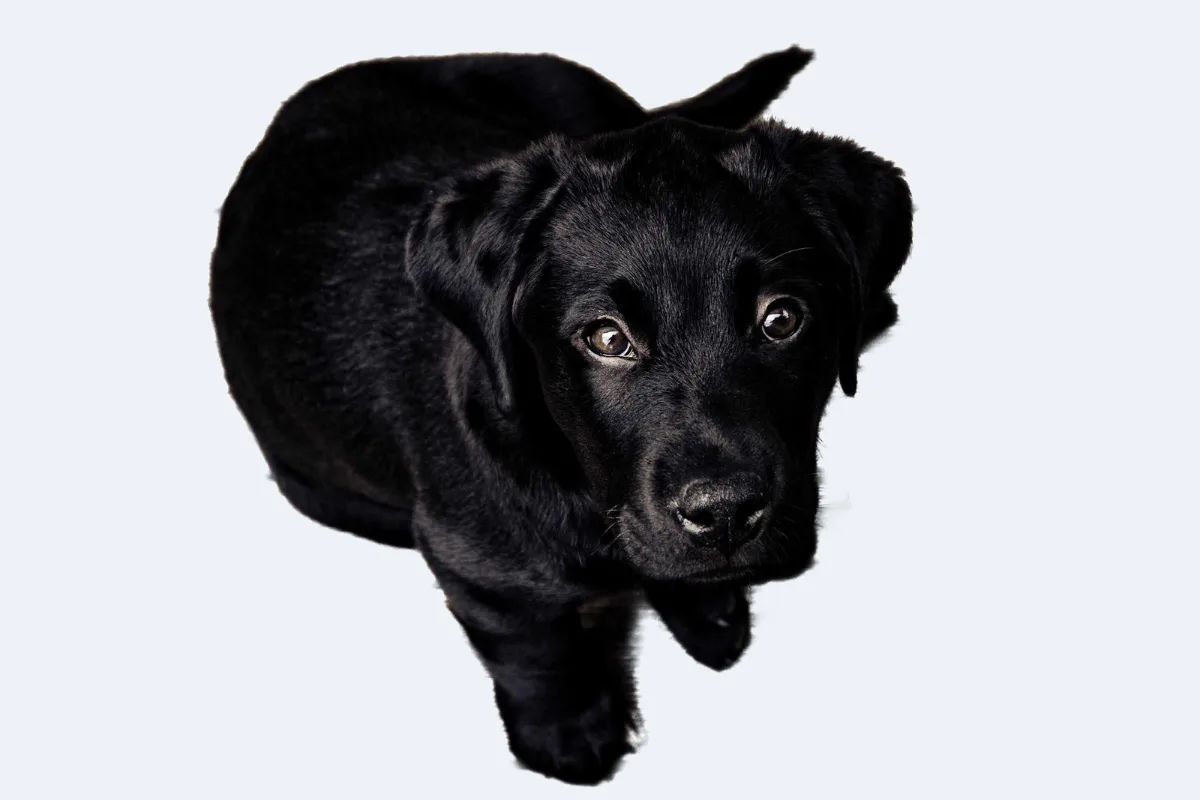
Most background removers send your photo to a server and charge per image. This one downloads a segmentation model to your browser once (40 MB Fast, 80 MB Balanced or 170 MB Best) and runs it locally, so the photo never leaves your device and there is no per-image cost. Results are strong on people, products and pets; fine hair and glass are harder. Beta: expect 5–20 seconds per image depending on your device.
What is Background Remover?
Our background remover cuts the subject out of a photo and gives you a transparent PNG, using an AI segmentation model that runs entirely in your browser. People, products and pets are separated from their surroundings automatically: drop a photo and the cut-out appears without pressing a button.
Unlike most tools of this kind, it does not send your photo to a server or charge per image. The model downloads once and is then reused, so later photos start much faster. You can also download the result on a solid colour background, compare before and after, and touch up edges with a brush.
How to use the Background Remover
- Drop photos.
- Wait for the model to load (first time only), then processing runs on your device.
- Download transparent PNGs or add a colour background.
How Background Remover works
Background removal is a segmentation task: a neural network looks at every pixel and estimates how likely it is to belong to the main subject. The output is a mask, a greyscale map where white means subject and black means background. This tool uses ISNet models in three sizes: Fast (about 40 MB), Balanced (about 80 MB) and Best (about 170 MB). Larger models handle hair and fine edges better. Each downloads once and is cached.
High precision mode runs the model twice: once on the photo and once on a mirrored copy, then averages the two masks. A single pass sometimes drops an arm or a piece of clothing; the second view often catches it.
The mask is then refined at full resolution. A guided filter aligns edges with the real photo, faint haze and halos are tightened away, stray background patches are removed, small holes inside the subject are filled and colour fringing is cleaned. A touch-up brush handles the last few details.
Key features of Background Remover
No per-image fee
Remove backgrounds at full resolution with no per-image charge and no watermark. Because the AI runs on your device, there is no server cost to pass on.
Three models, two passes
Choose Fast, Balanced or Best, and Standard or High precision. Full-resolution edge refinement, stray-patch removal and hole filling run automatically, and the result line tells you what was cleaned up.
Seconds per photo
After the one-time model download, each photo typically takes 5–20 seconds depending on your device and the settings. High precision roughly doubles the time. Drop several photos and they are processed in a queue.
Runs on laptops and phones
Works in current Chrome, Edge, Safari and Firefox on Windows, macOS, Linux, iPhone, iPad and Android. Recent phones handle it well, though a laptop is faster. There is nothing to install.
Progress you can follow
A status line reports each stage, from loading the model to refining edges, and is announced to screen readers. Model and precision options are labelled buttons, and there is no time limit on any step.
AI that stays on-device
Only the AI model files are downloaded; your photo itself never leaves your device. Segmentation, refinement and touch-ups all run inside your browser, which you can confirm in the network tab.
What makes EZCompressor's Background Remover different
Your photo is never sent to a server
Most AI background removers process images on their servers. Here the model comes to your device instead, so portraits, ID photos and unreleased products are cut out without anyone else seeing them.
Touch-up brush included
Restore paints the original pixels back where the AI cut too much; Erase makes leftover background transparent. Brush size is adjustable and Undo is there, so the last few percent are easy to fix.
Accuracy you can raise
Not happy with a result? Click Re-run with Best, switch to High precision, or compare before and after at full size. You decide how much time to trade for quality.
Full resolution, free
Downloads are full-size transparent PNGs, not low-resolution previews held back for paid plans. You can also download a JPG placed on any background colour you pick with the colour picker.
Why use Background Remover?
A clean cut-out is useful almost everywhere: product photos on a white background for a shop, a portrait on a solid colour for a profile, a person on a transparent layer for a poster or thumbnail. Being able to remove the background from an image without sending it to a server makes this practical even for personal and confidential photos.
Because a batch counts as one run, you can process a whole product catalogue or a set of team headshots without counting images. Results are strong on people, products and pets. Wispy hair and glass remain the hardest cases, which is where the Best model, High precision and the touch-up brush help.
Who can use Background Remover?
Online shop owners
Cut products out of everyday photos and place them on white or brand-coloured backgrounds for consistent catalogue and marketplace images.
HR and team leads
Give everyone's headshot the same plain background for staff pages, ID badges and org charts, without sending photos to a third party.
YouTubers and streamers
Cut yourself out of a photo to place on eye-catching video thumbnails, stream overlays and channel art, without sending selfies to a server.
Graphic designers
Quickly isolate people and objects for posters, flyers and social graphics, then refine any tricky edges with the touch-up brush.
Job applicants
Put a clean, neutral background behind a portrait for a CV, a LinkedIn profile or an online job application form.